You can use the Arcade app on Apple TV 4K to browse and download games, and with Apple Arcade, you get unlimited access to a curated collection of hundreds of games. You’re able to play using your remote or a game controller. And each player in your household can keep track of their own game levels and leaderboards.

You can use the Arcade app to:
- Subscribe to Apple Arcade for unlimited access to a curated collection of hundreds of games
- Browse games by category and popularity, or search for a specific game
- Play games on Apple TV 4K using your remote or a game controller
- If a game is available on multiple devices, start playing a game on one device, then pick up where you left off on another
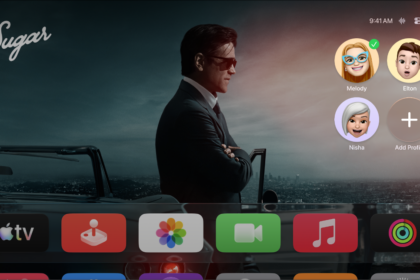
With Arcade, you can switch between multiple profiles in your household, so each player keeps track of their individual game levels, leaderboards, and invitations when they’re signed in to Game Center with an Apple Account.
Note: The availability of Apple Arcade games across devices varies based on hardware and software compatibility.
Not all features and content are available in all countries or regions or on all Apple TV hardware models.