How To
This section is dedicated to helping you use and make the most out of your Apple products. iPhone, iPad, Mac, Apple Watch—if it can make your life better, we’ll show you all the techniques you need to know to get the most out of what you have.


How to Set Up and Disable Touch ID and Face ID
Five wrong fingers locks out Touch ID, which is useful under duress.

How to Set Up Automatic Security Updates on Apple Devices
Apple patches most flaws before they are exploited, if you let it.


How to Turn On Lockdown Mode, and Who Needs It
Spyware can reach a phone through a message that is never opened.
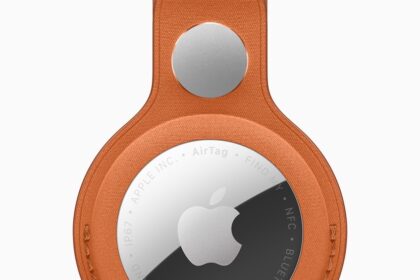
How to Play a Sound on a Lost Device or AirTag
A Chipolo tracker can reach 120 decibels, about the level of a chainsaw.
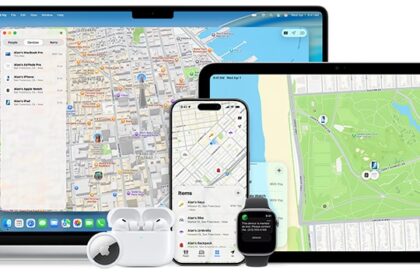
How to Stop Leaving Your Phone and Bags Behind
The alert never fires at home, because Apple excludes that location.

How to Mark an iPhone as Lost and Lock It
Locking a Mac restarts it instantly, taking any unsaved work with it.
Why Find My Shows the Wrong Location
A router carries its recorded position with it when it moves house.

How to Reduce Liquid Glass Transparency in iOS 27
Reduce Transparency still flattens it further than the slider can reach.

How to Install iOS 27 and iPadOS 27
Expect the device to run hot, and the indexing afterward to take a day.
How to Set Up Screen Time and Parental Controls in iOS 27
Parents can now cap entertainment, games and social media separately.
What to Ask Siri AI: Examples That Actually Work
Siri identified The Third Man from the single clue of Harry Lime.
Live Translation in iOS 27: FaceTime, Phone, and Messages
Only one side needs to switch it on, and the other party gets the benefit…