How To
This section is dedicated to helping you use and make the most out of your Apple products. iPhone, iPad, Mac, Apple Watch—if it can make your life better, we’ll show you all the techniques you need to know to get the most out of what you have.


How to Set Up and Disable Touch ID and Face ID
Five wrong fingers locks out Touch ID, which is useful under duress.

How to Set Up Automatic Security Updates on Apple Devices
Apple patches most flaws before they are exploited, if you let it.


How Activation Lock Protects a Lost or Stolen Device
An erased iPhone with Activation Lock on can still be tracked in Find My.

What Private Wi-Fi Address Does, and When to Change It
A hardware address that never changes lets a network recognise you for years.
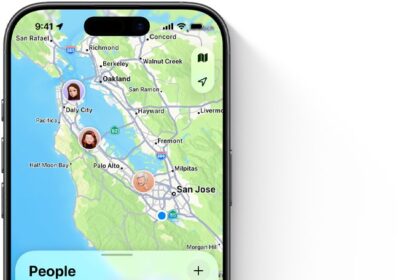
How to Share Your Location From an iPhone
Sharing through Find My and through Family Sharing are different switches.
How to See Someone’s Location in Find My
A pulsating green circle means the position is precise and they are still.
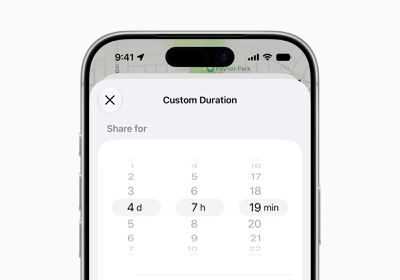
How to Stop or Pause Sharing Your Location
Paused sharing shows the other person only that no location was found.
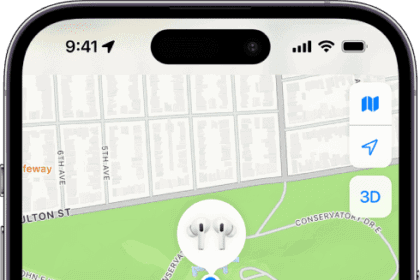

How to Read the Find My App’s Status Labels
Now means the location was updated within the last minute.

How to Share Files With End-to-End Encryption
Someone who steals an encrypted vault from a sync service has stolen trash.
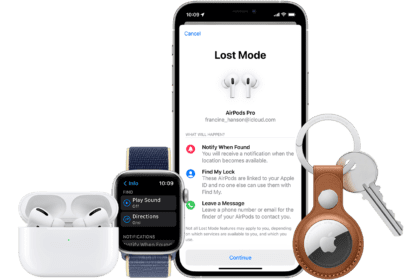
How to Find a Lost iPhone or Mac
Devices stay listed for years, showing “No location found” after a day.
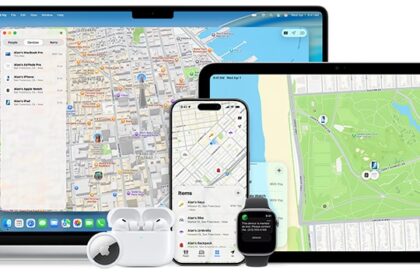
How to Erase a Lost iPhone or Mac Remotely
An erased iPhone can still be tracked, but an erased Mac cannot.