How To
This section is dedicated to helping you use and make the most out of your Apple products. iPhone, iPad, Mac, Apple Watch—if it can make your life better, we’ll show you all the techniques you need to know to get the most out of what you have.


How to Set Up and Disable Touch ID and Face ID
Five wrong fingers locks out Touch ID, which is useful under duress.

How to Set Up Automatic Security Updates on Apple Devices
Apple patches most flaws before they are exploited, if you let it.


Every Siri Setting Worth Changing in iOS 27
You can no longer disable Apple Intelligence, only Siri, and not everything stops.

Safari in iOS 27: Page Summaries, Tab Groups, and More
You can describe an extension and Safari will build it, though not an ad blocker.

iOS 27 and iPadOS 27: Which Devices Can Upgrade
The install list is unchanged from last year, but the Apple Intelligence one is not.
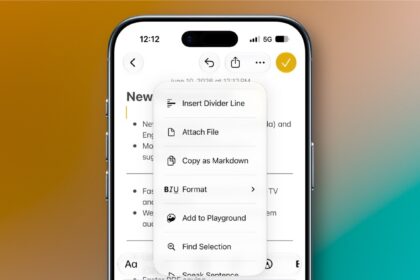
What’s New in Reminders and Notes in iOS 27
Share a recipe to Reminders and it offers to add every ingredient at once.
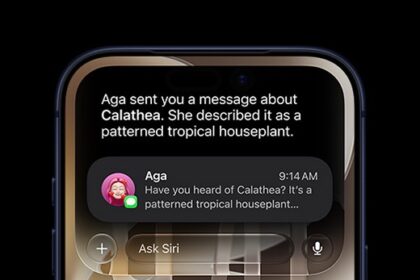
How to Ask Siri About What’s On Your Screen in iOS 27
On a Mac, Command-Shift-Space asks Siri about whatever window is in front.
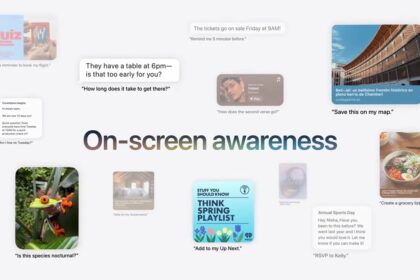
How to Use Siri’s Onscreen Contextual Awareness in iOS 27
With iOS 27, Siri can "see" what you're looking at on your iPhone thanks to…

Siri AI tips and tricks: 14 things to try in iOS 27
If you’ve installed iOS 27 on your iPhone, here are 14 Siri AI tips and…
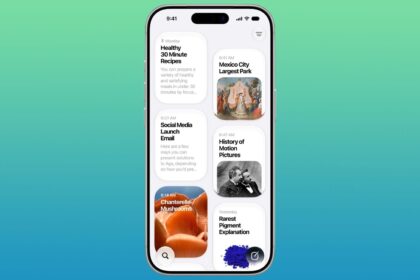
How to Set Up and Use the New Siri AI on iPhone, iPad, Mac, and Apple Watch
Here's how to set up and use Siri AI on your iPhone, iPad, Mac, or…
How to Turn Off iOS 27 Beta Updates Without Erasing Your iPhone
Don't want to continue testing iOS 27? You can stop your iPhone from receiving iOS…
How to Leave the iOS 27 Beta and Go Back to iOS 26
Learn How to Downgrade From iOS 27 Beta or iPadOS 27 Beta and Go Back…