Troubleshooting
Having a problem with an Apple device, Mac system software, or iOS? Maybe your Mac is behaving weird, or your iPhone isn’t charging properly, or an iPad app is crashing, or something is just not working as expected? Browse through and search our troubleshooting articles and you might be able to resolve the problem!
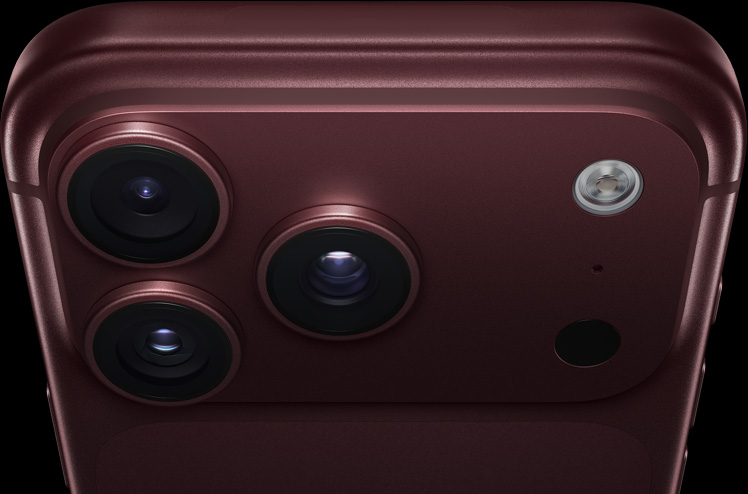
iPhone 18 Pro Not Showing Up in Finder on Mac? Here’s Why
Unlock your iPhone on the Home Screen and tap Trust when asked if your iPhone…
Notes Disappeared on iPhone 18 Pro? How to Recover Them
Update iOS and make sure Notes is turned on in iCloud if your notes disappeared…


iPhone 18 Pro Says User Busy – What Does It Mean & How to Fix?
Are you trying to call someone on your iPhone 18 Pro and keep getting a…

iPhone 18 Pro Says No SIM Card Installed? What to Do
Learn why your iPhone 18 Pro says No Sim Card installed and how to fix…

Private Relay Unavailable on iPhone 18 Pro? How to fix
In this article, we will answer your questions regarding Private Relay and why it is…

iPhone 18 Pro Safari iCloud Bookmarks Not Updating on Other Devices
Learn what to do if iPhone 18 Pro Safari bookmarks are not syncing across other…
iPhone 18 Pro Could Not Be Restored, an Unknown Error Occurred (4045), How to Fix
Fix The iPhone “iPhone 18 Pro” could not be restored. An unknown error occurred (4045).

MagSafe Charging Not Working on iPhone 18 Pro? Fix
In this article, we will give some troubleshooting tips to deal with MagSafe charging issues…

Airplane Mode Icon won’t Go Away on iPhone 18 Pro? Fix
Learn what to do if Airplane Mode Icon won't Go Away on iPhone 18 Pro
How To Fix An iPhone 18 Pro That Keeps Restarting
Learn why your iPhone 18 Pro keeps restarting and how to fix the problem.

iPhone 18 Pro: Unable to Verify Update iOS Failed Verification Because You are no Longer Connected to the Internet
Learn how to fix “Unable to verify update. iOS \[version\] failed verification because you are…
Why Are iPhone 18 Pro Messages Sent as SMS Instead of RCS?
Learn why your iPhone 18 Pro messages are sent as SMS instead of RCS and…