Troubleshooting
Having a problem with an Apple device, Mac system software, or iOS? Maybe your Mac is behaving weird, or your iPhone isn’t charging properly, or an iPad app is crashing, or something is just not working as expected? Browse through and search our troubleshooting articles and you might be able to resolve the problem!
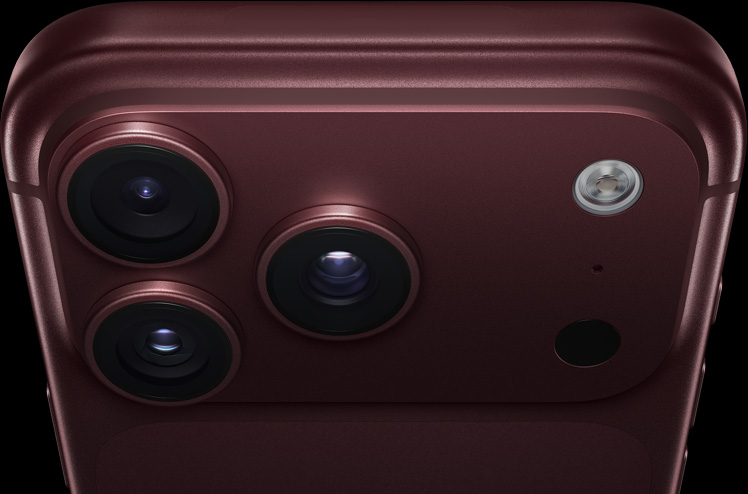
iPhone 18 Pro Not Showing Up in Finder on Mac? Here’s Why
Unlock your iPhone on the Home Screen and tap Trust when asked if your iPhone…
Notes Disappeared on iPhone 18 Pro? How to Recover Them
Update iOS and make sure Notes is turned on in iCloud if your notes disappeared…


iPhone 18 Pro Camera Blinking? Here Is How to Fix It
Turn off automatic macro switching and restart your iPhone if your iPhone 18 Pro camera…

How to Fix the iPhone 18 Pro Freezing Problem
If your iPhone 18 Pro or iPhone 18 Pro Max keeps freezing, quit all apps…

YouTube App Not Working on iPhone 18 Pro? Here’s the Fix
When the YouTube app shows a blank page on your iPhone 18 Pro or iPhone…

Is the iPhone 18 Pro Camera Blurry? Here’s How to Fix It
Clean the lens and check that your case isn't blocking it if your iPhone 18…

iPhone 18 Pro Says Unable to Download Item? What to Do
If your iPhone 18 Pro or iPhone 18 Pro Max keeps saying Unable to Download…

Is Your iPhone 18 Pro Screen Dimming During Videos?
If your iPhone 18 Pro screen dims while you watch videos, turn off Auto-Brightness and…
Facebook Login Error Code 2 on iPhone 18 Pro? How to Fix
Check Meta’s status page and update the Facebook app if you see login error 2…
‘Unable to Communicate with Apple Watch’ Error on iPhone 18 Pro, Fix
Learn what to do if your iPhone 18 Pro or iPhone 18 Pro Max says…

Email Stuck in the Outbox on iPhone 18 Pro? What to Do
If an email is stuck in the Outbox on your iPhone 18 Pro or iPhone…

Song Not Available in Your Region on iPhone 18 Pro? Fix
Sign out of Media & Purchases and sign back in if Apple Music says a…