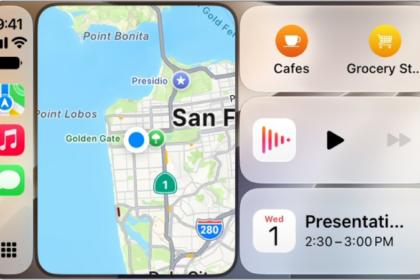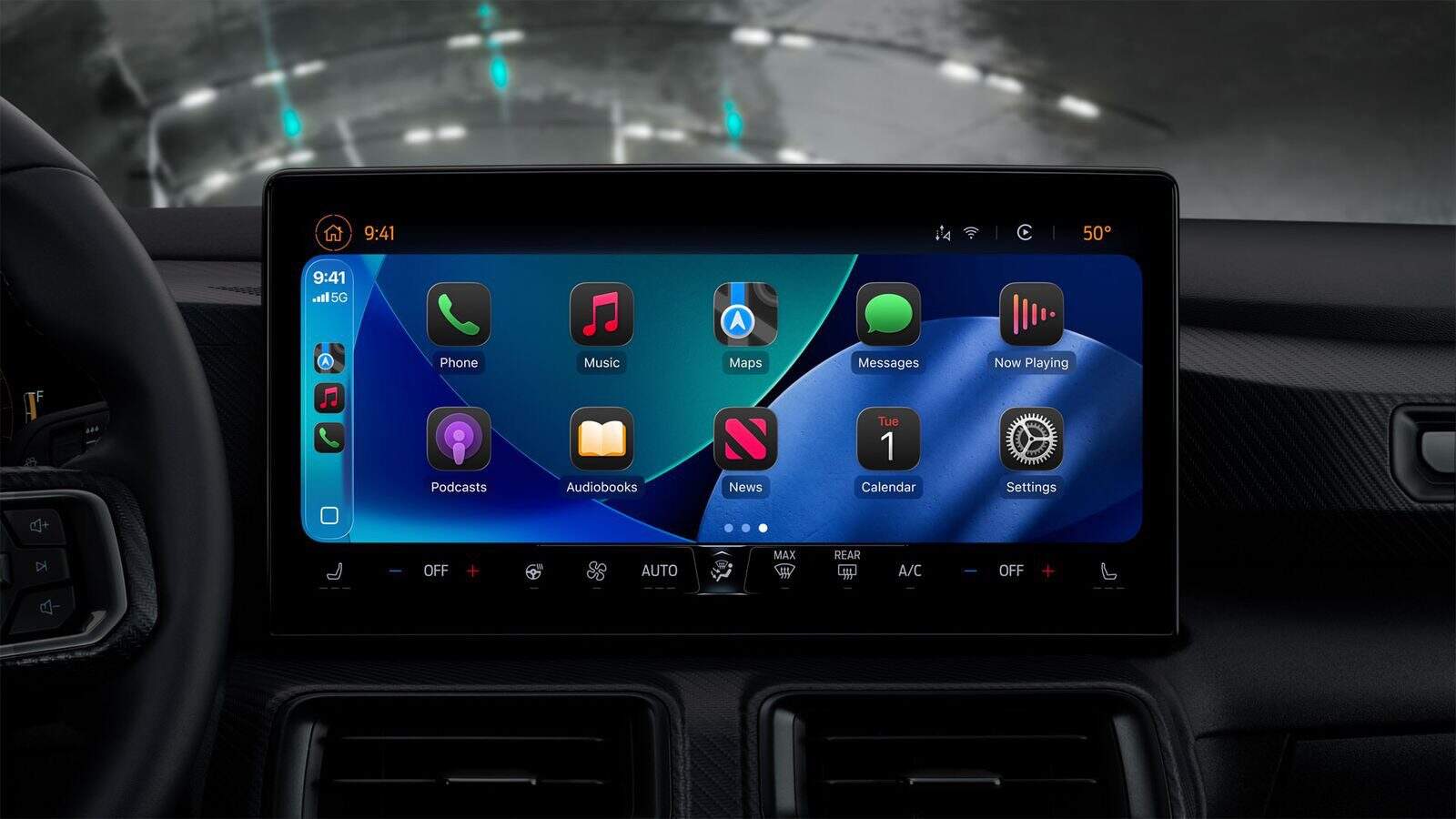
I’ve been tracking a lot of reports from iOS 26 users on Reddit. A lot of iOS 26 users say spoken-word audio (podcasts and audiobooks) sounds over-amplified, clipped, and harsh in CarPlay. Music usually sounds normal; the problem zeroes in on podcasts/audiobooks and shows up on both wired and wireless CarPlay. Playing through the iPhone speaker or over regular Bluetooth is fine.
From the report, this primarily relates to A13 devices—iPhone 11, 11 Pro, 11 Pro Max, and iPhone SE (2nd gen)—though there are scattered mentions from other models. Several users also confirmed the distortion still persists on iOS 26.0.1.
We already covered other iOS 26 CarPlay problems. This CarPlay issue appears to affect older iPhones instead, but it’s equally frustrating.
The issue:
- Only spoken-word is affected: Apple Podcasts, Spotify podcasts, Overcast, Audible, Libby, Pocket Casts, YouTube Music podcasts.
- Music sounds normal in those same apps.
- CarPlay-only issue: Over Bluetooth (no CarPlay), the exact same episodes sound fine.
- Wired and wireless CarPlay can both be affected.
- Some users can’t change iPhone volume while connected to CarPlay.
- Switching apps or tracks doesn’t help; the distortion returns quickly.
How to Fix CarPlay Podcasts Sound Distorted or Clipping in iOS 26:
-
Launch the Camera app while the podcast is playing
-
Simply launching Camera instantly normalizes the audio.
-
The downside is that you have to keep Camera open, which can heat the phone and drain battery.
-
Note: Any app that activates the microphone seems to have the same effect. One user used the "Microphone Live" app to keep the mic engaged in the background.
-
Turn off EQ in Music settings
-
Head to Settings > Apps > Music > EQ > Off.
-
Several users say this reduces the distortion somewhat for CarPlay.
-
Listen via Bluetooth instead of CarPlay
-
Regular Bluetooth playback (no CarPlay) does not distort for affected users. Most cars support this. If you want, you can also turn off CarPlay.
-
Lower the volume (protect your speakers)
-
A few iOS 26 users worried the clipped output could stress or damage speakers. Until there’s a fix, avoid high car-volume levels on distorted sources.