You can easily delete individual messages or entire conversations on your iPhone
Deleted messages remain in your Recently Deleted folder for up to 30 days, and you can recover them.
Delete messages from a conversation on iPhone
- Open the messages app on your iPhone.
- Open the conversation so you can see the messages it contains.
- Long-press any text bubble, and then tap the More button
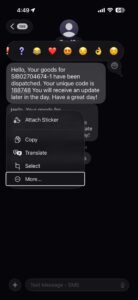 .
.
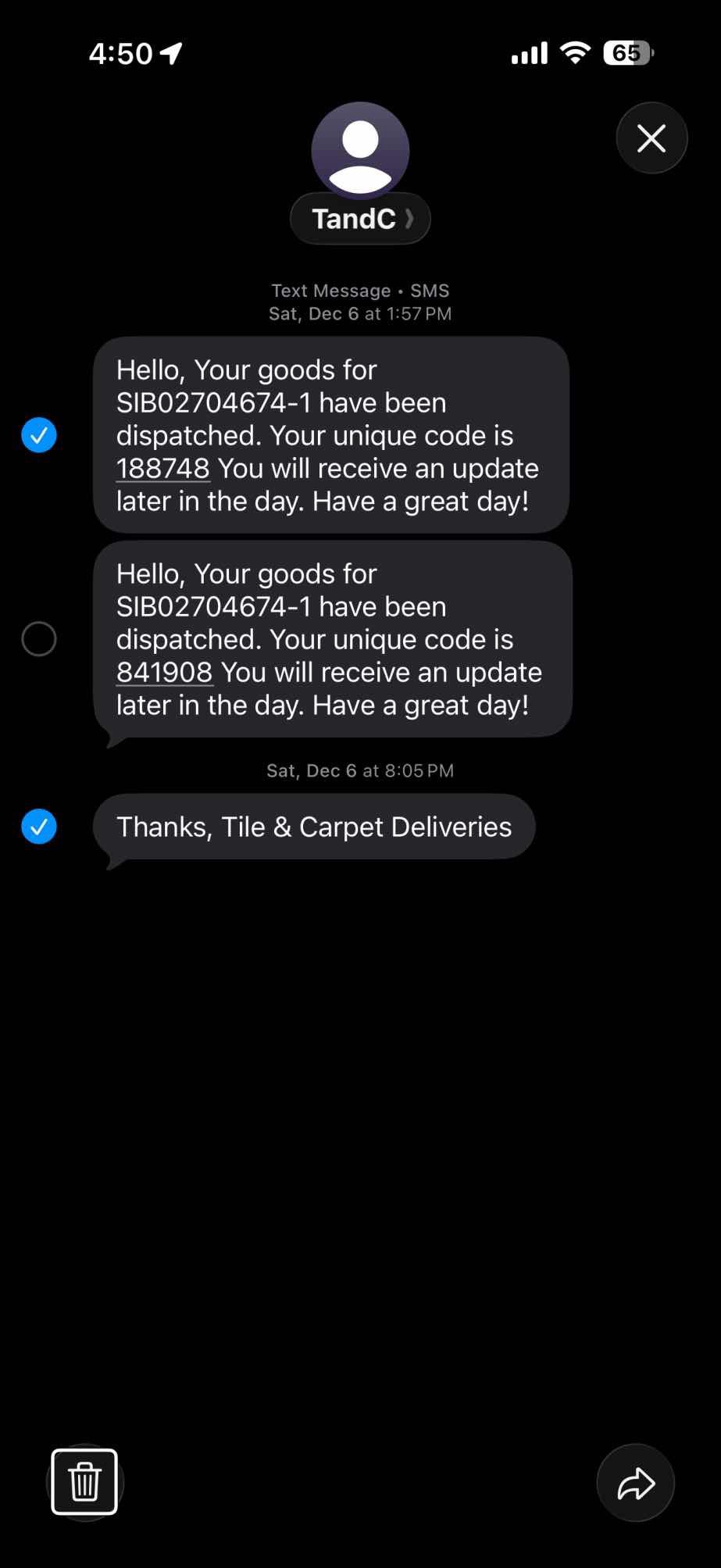
You’ll now see a filled and selected check circle to the left of the text you pressed and an empty check circle to the left of the other text bubbles. - Select the check circle for each message you want to delete by tapping either their check circles or the messages themselves.
- Tap the trashcan icon at the bottom left of the screen.
Tip: To forward all or part of a conversation (as an SMS, MMS, RCS, or iMessage message) to another mobile phone or Apple device user, long-press a text bubble, tap More, and then select each text bubble that you want to forward. Now tap the right-curling arrow at the bottom right of the screen. Messages copies the contents of the text bubbles with check marks to a new text message; specify a recipient, and then tap the send icon.
Delete an entire message conversation on iPhone
- Open the Messages app on your iPhone.
- Swipe the conversation from right to left, and then tap the red Delete button. Alternatively, swipe the message all the way from right to left, so that the Delete button consumes the conversation.
Delete multiple message conversations on iPhone
- Open the Messages app on your iPhone.
- Tap Edit at the top left of the Messages list.
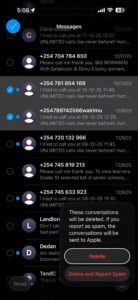
- Tap Select Messages. A circle appears to the left of each conversation.
- Tap each conversation you want to delete, so that Messages selects the conversation’s circle.
- Tap the delete icon (trashcan) at the bottom right to delete the conversations from your iPhone.
Tip: You can tell Messages to either keep messages forever or automatically delete them after 30 days or one year; to configure this option, go to Settings ⇒ Apps ⇒ Messages ⇒ Keep Messages.