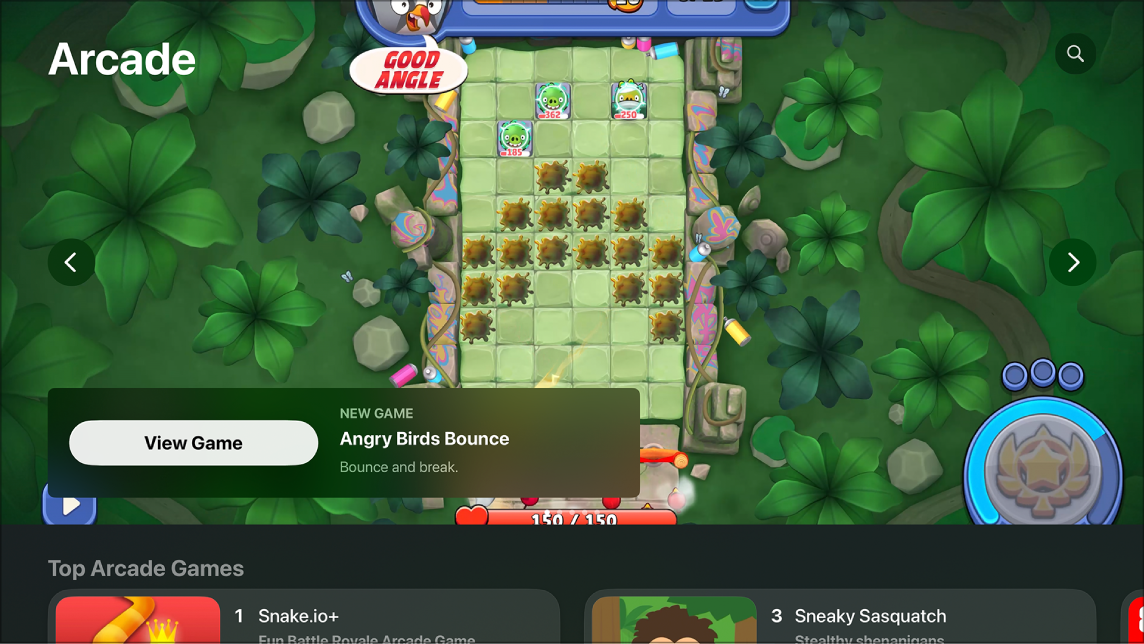
Once you’ve downloaded a game from Apple Arcade, you can start playing on your Apple TV 4K. If you’re signed in to Game Center, you’re able to connect with friends and keep track of your scores across Apple devices, so your scores stay up to date everywhere. You can even switch players during gameplay.
Note: Apple Arcade requires a subscription.
Start playing a game
Connect a game controller if needed, and then do either of the following:
- Select the game on the Apple TV 4K Home Screen to start playing it immediately.
- Select the game in the Arcade app, then select Play.
On a game’s page, you can see whether a controller is optional or required. See Use a game controller on Apple TV 4K.
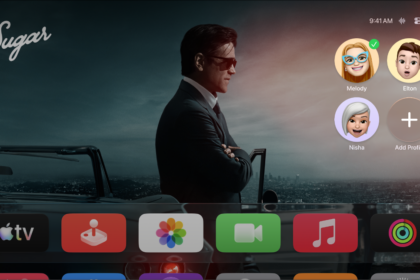
Quick tip: To switch players during gameplay, press and hold the TV button on your remote to open Control Center, navigate to the Profiles tab, then select a new profile. After switching, the game restarts, and the new player can start where they left off.
Sign in to Game Center
Signed in to Game Center on Apple TV 4K? Then you’re able to connect with friends and track scores across your Apple devices. Since scores and leaderboards appear within each game in Arcade, your scores stay up to date if you start a game on Apple TV 4K and pick it up later on your iPhone.
- Go to Settings on Apple TV 4K.
- Go to Profiles and Accounts > [profile] > Game Center and then sign in to your Apple Account.
From an iPhone or iPad, you can manage your public profile on Game Center and send friend requests.
Set content restrictions
You can restrict activity in Apple Arcade for certain profiles if you’ve set up parental controls.
- Go to Settings on Apple TV 4K.
- Go to General > Restrictions and then enter your four-digit passcode, if prompted.
- Scroll down to the Game Center options and select options in the list to set restrictions around multiplayer games, private messaging, screen recording, and connecting with friends.
Not all features and content are available in all countries or regions or on all Apple TV hardware models.
See also