I began to experience this issue recently. Safari on my iPhone 18 Pro stopped working for no reason. The problem was that Safari was not opening any URLs. It didn’t work when I tried typing the URL in the address bar, opening a bookmark or tapping a link. When Safari doesn’t work at all, it is inconvenient and can create potentially problematic situations.
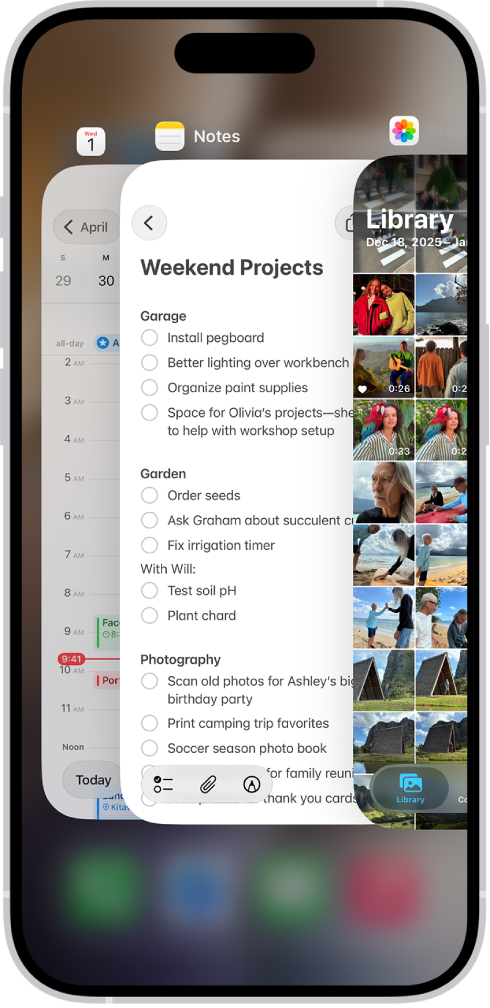
This issue rendered Safari useless to me. I first tried the simple fixes. I tried to close the Safari app and reopen it, but this did not fix it. Although this didn’t work for me, you could try it. If you want to close Safari on your iPhone 18 Pro, go to the Home screen and swipe up until you see the App Switcher screen. Then, swipe up on the Safari image.
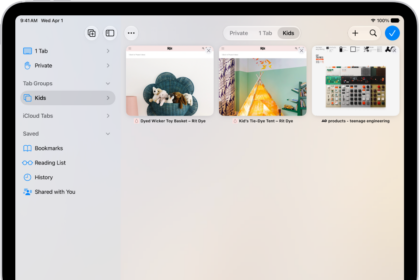
The next thing I tried was to close all tabs and open a new tab. I thought that, somehow, having too many tabs open may have been causing the problem. The interesting thing was that, seemingly, I was able to close all tabs, but then they were appearing again. So, closing tabs or opening a new tab was not working.
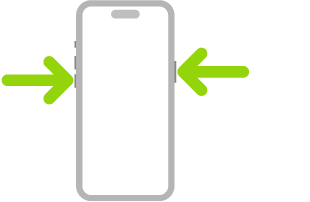
The fix that worked for me was to restart. If you are having this problem, too, simply restart your iPhone 18 Pro, and Safari should start working again. Here is how you can do this:
- iPhone: Press and hold the volume up or down button and the side button together until you see the Power Off slider. Slide the slider and wait for your phone to turn off. Then, press and hold the side button again to turn it on.