Tag: Accessibility
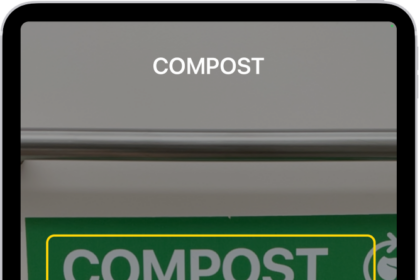
How to detect text around you and have it read out loud using Magnifier on iPad
You can detect text around you and have it read out loud using Magnifier on…
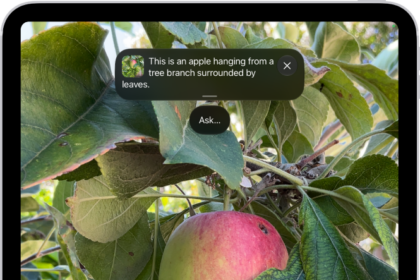
How to customize controls in Magnifier on iPad
You can customize controls in Magnifier on iPad, choose primary controls, set up activities, and…
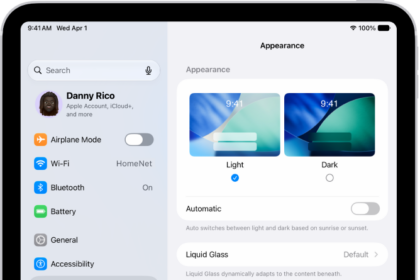
How to adjust iPad display and text settings
You can adjust iPad display and text settings, change text size, make text bold, choose…
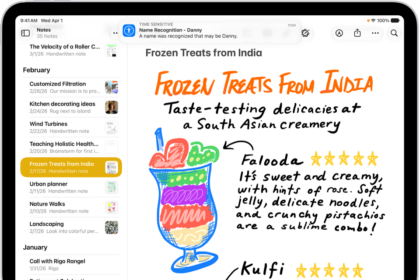
How to have iPad notify you when your name is called
You can have iPad notify you when your name is called with Name Recognition, and…
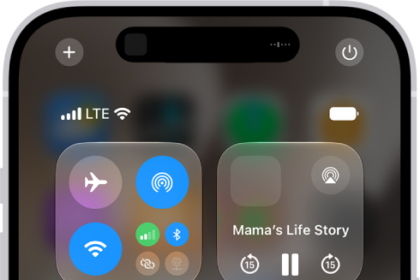
How to play background sounds on iPhone
You can have iPhone play Background Sounds, like ocean waves or rain, to help you…

How to use VoiceOver on iPhone with a pointer device
You can choose how it works with VoiceOver, like following the VoiceOver cursor if you…
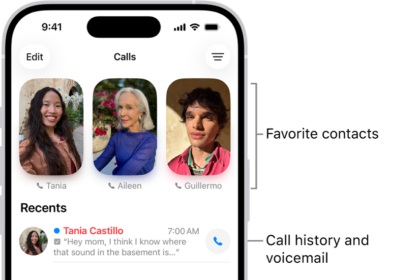
How to set up and use RTT and TTY on iPhone
You can make RTT and TTY calls on iPhone with built-in Software RTT/TTY or a…
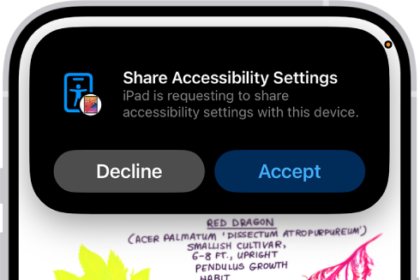
How to share your Accessibility settings with another device on iPhone
You can temporarily share your Accessibility settings from iPhone with another iPhone or iPad, like…
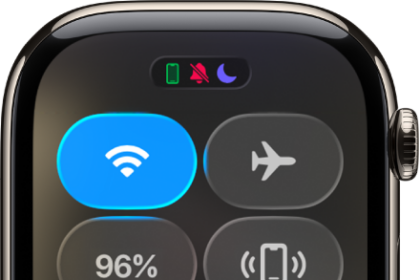
How to control Live Listen on iPhone from Apple Watch
You can control Live Listen on iPhone from Apple Watch, start or stop a session,…
iPhone mobility accessibility features: Eye Tracking, Voice Control, and more
You can use accessibility features for mobility on iPhone, like Eye Tracking, Voice Control, Switch…