Tag: Accessibility
How to operate iPhone when VoiceOver is on
You can operate iPhone when VoiceOver is on with special gestures to unlock it, go…
How to change your VoiceOver settings on iPhone
You can change VoiceOver settings on iPhone, including audio, language, voice, speaking rate, verbosity, activities,…
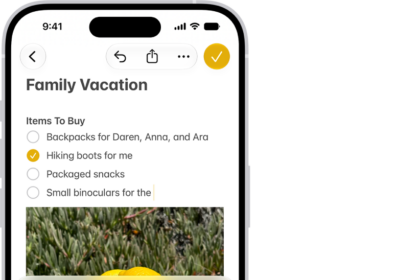
How to use the onscreen keyboard with VoiceOver on iPhone
You can use the onscreen keyboard to enter, select, and delete text, and change the…

How to make the pointer easier to see when using a mouse or trackpad with iPhone
You can change the size, color, and contrast of the pointer on iPhone so it's…
How to customize visual accessibility settings for specific apps on iPhone
You can choose different color, text size, and motion settings for specific apps, or for…
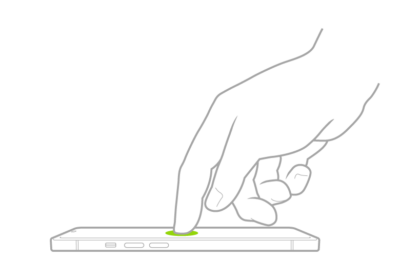
How to customize VoiceOver gestures and keyboard shortcuts on iPhone
You can customize VoiceOver gestures and keyboard shortcuts on iPhone, see the gestures for each…
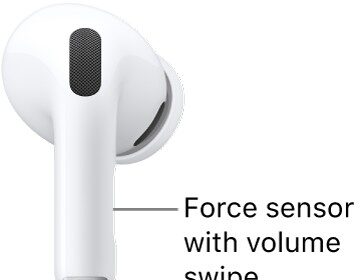
How to change force sensor, force sensor with volume swipe, or button settings for AirPods
You can change force sensor, force sensor with volume swipe, or button settings for AirPods…
How to adjust accessibility audio settings on Apple Watch
You can turn on Mono Audio on Apple Watch, adjust the audio balance, change AirPods…
How to control iPhone with the movement of your head
You can control iPhone with the movement of your head using Head Tracking, with an…
How to control iPhone with the movement of your eyes
You can control iPhone with the movement of your eyes on supported models with Eye…