Tag: Accessibility
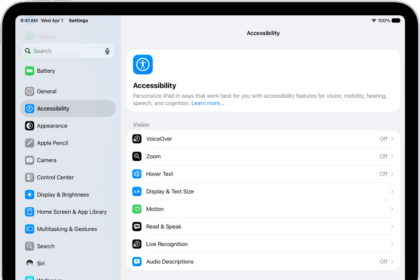
How to use VoiceOver on iPad with an Apple external keyboard
You can use VoiceOver on iPad with an Apple external keyboard, using keyboard shortcuts for…
How to control VoiceOver using the rotor on iPad
You can control VoiceOver using the rotor on iPad to adjust volume and speaking rate,…
How to change your VoiceOver settings on iPad
You can change your VoiceOver settings on iPad, including volume, language, speaking voice, speaking rate,…
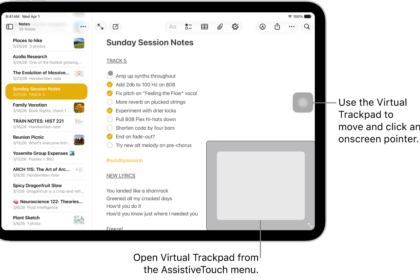
How to make the pointer easier to see when using a mouse or trackpad with iPad
You can make the pointer easier to see when using a mouse or trackpad with…
How to use VoiceOver on iPad with a pointer device
You can use VoiceOver on iPad with a pointer device, setting the pointer to ignore,…
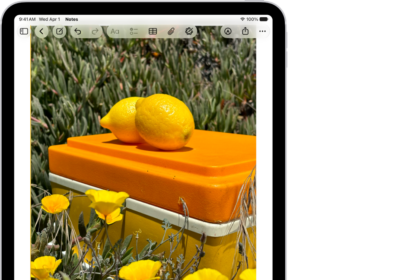
How to use the onscreen keyboard with VoiceOver on iPad
You can use the onscreen keyboard with VoiceOver on iPad to enter, select, and delete…
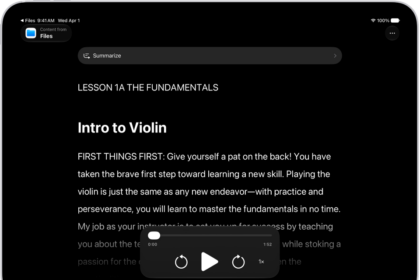
How to read or listen to text in apps with Accessibility Reader on iPad
You can read or listen to text in apps with Accessibility Reader on iPad, customize…
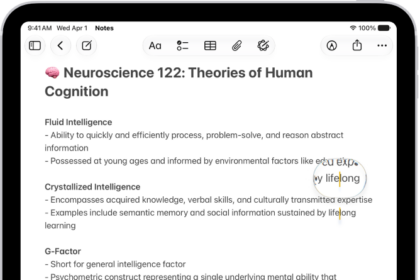
How to view a larger version of text you’re reading or typing on iPad
You can view a larger version of text you're reading or typing on iPad with…
How to hear audio descriptions for video content on iPad
You can hear audio descriptions for video content on iPad, a narration of the visual…
How to hear iPad speak the screen, selected text, and typing feedback
You can hear iPad speak the screen, selected text, and typing feedback, use Accessibility Reader,…