Tag: Accessibility
How to detect text around you and have it read out loud using Magnifier on iPhone
You can use Magnifier on iPhone to read nearby text out loud, or point at…
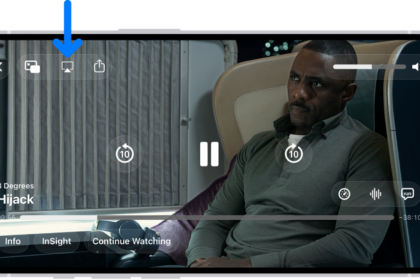
How to hear audio descriptions for video content on iPhone
You can turn on audio descriptions on iPhone to hear a narration of what's happening…
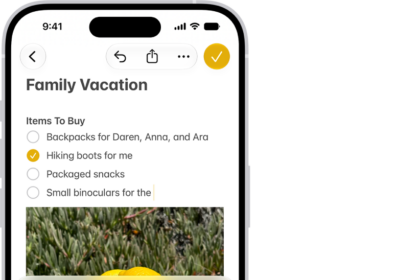
How to type to speak using Live Speech on iPhone
You can type to speak using Live Speech on iPhone, so what you type is…
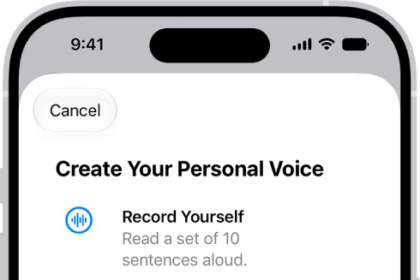
How to record your Personal Voice on iPhone
You can record a Personal Voice on iPhone that sounds like you and use it…
How to adjust iPhone display and text settings
You can change the text size, make text bold, choose a look for Liquid Glass,…
How to change iPhone sounds and vibrations
You can change your iPhone ringtone, alert sounds, and vibration patterns, create your own vibration,…
How to use VoiceOver on iPhone with an Apple external keyboard
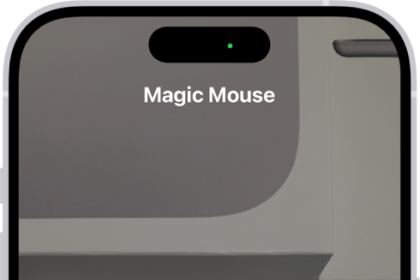
You can use keyboard shortcuts for VoiceOver commands, Quick Nav, and VoiceOver Help with Magic…
How to write with your finger in VoiceOver on iPhone
You can write characters with your finger, enter your passcode silently, and open apps with…
How to use a braille display with VoiceOver on iPhone
You can connect a Bluetooth braille display to iPhone to control it, read the screen,…
How to use Voice Control to interact with iPhone
You can speak commands to tap, swipe, dictate, and edit text, and describe items in…