Tag: Accessibility

How to use Zoom to magnify the image on Apple TV 4K
You can use Zoom to magnify the image on Apple TV 4K, pan around it,…

How to turn on closed captions and SDH on Apple TV 4K
You can turn on closed captions and SDH on Apple TV 4K and customize the…
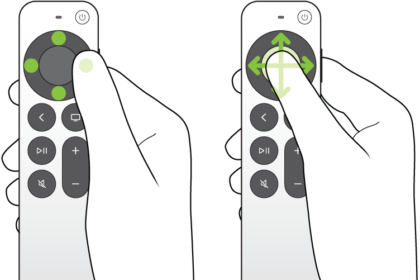
How to use VoiceOver on Apple TV 4K
You can use VoiceOver on Apple TV 4K to control it without seeing the screen,…
How to display subtitles and captions on iPhone
You can turn on subtitles, closed captions, and transcriptions on iPhone, including generated subtitles on…

How to adjust how iPhone responds to your touch
You can change Touch Accommodations, Haptic Touch, Tap to Wake, and Shake to Undo so…
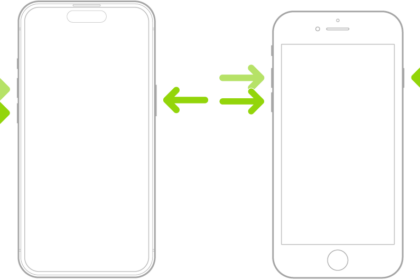
How to adjust settings for the side or Home button on iPhone
You can change the click speed, Siri, Touch ID, haptic, and payment confirmation settings for…
How to reach the top of the iPhone screen with one hand
You can lower the top half of the iPhone screen so it's within reach of…
How to control a nearby Apple device with iPhone
You can use Control Nearby Devices on iPhone to remotely control another Apple device signed…
How to customize onscreen motion on iPhone
You can reduce onscreen motion on iPhone, including motion effects, screen transitions, animated images, and…
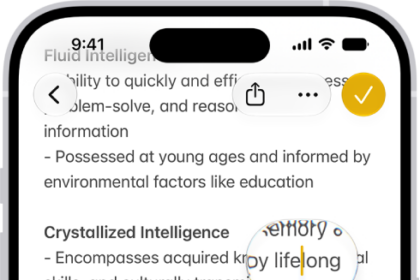
How to view a larger version of text you’re reading or typing on iPhone
You can see larger versions of text under the pointer or text you're typing with…