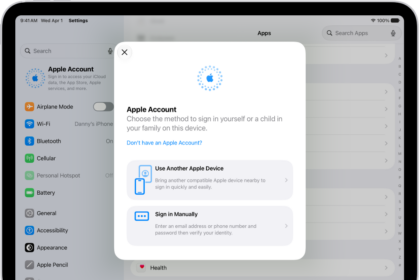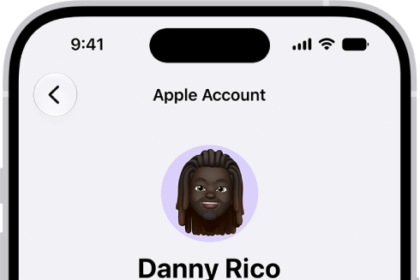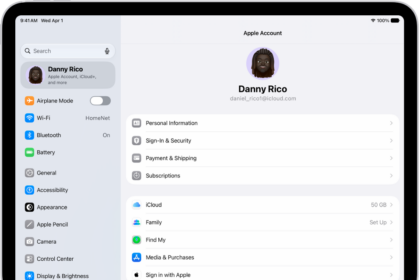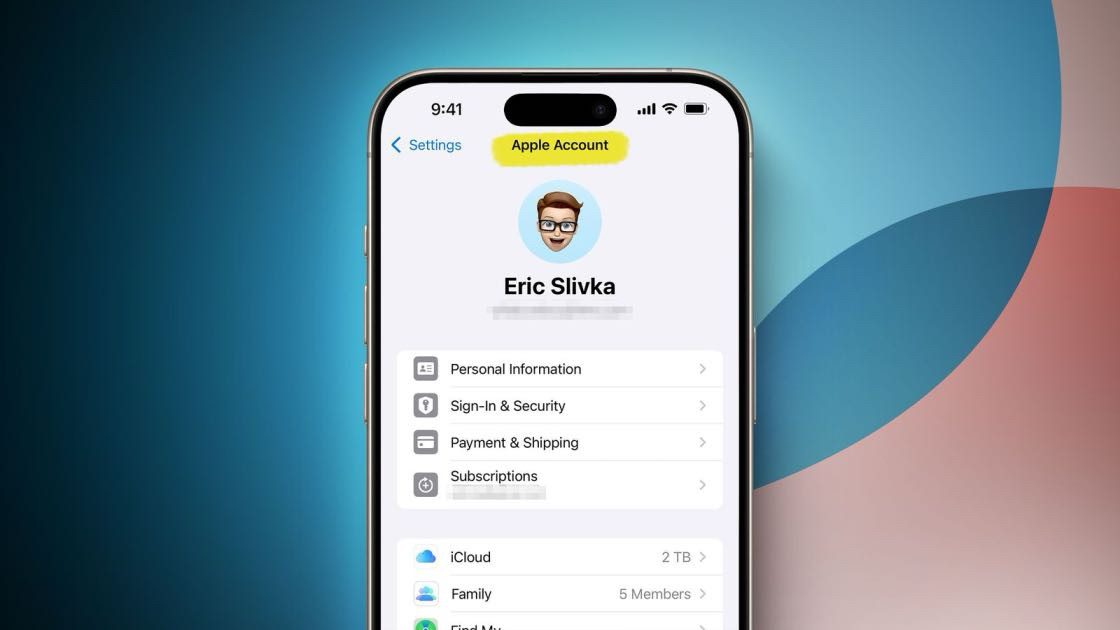
Need to find your Apple Account email address because you have no idea what your Apple Account email address is? Or are you trying to figure out what your old Apple Account email address was? You can learn what your Apple Account email address is on your signed Apple device. If you are not signed into a device, you may be able to locate your Apple Account email address online by checking your emails or using Apple’s Apple Account lookup tool to retrieve it. I will explain these ways in detail in this article.
In most cases when you create an Apple Account, you enter an email address. This primary email address is what you can use to sign in to Apple Account and Apple services like Apple Music and iCloud. It’s also the contact email address for your account. You just need one Apple Account email address and you can use the same one on multiple devices. If you use the same Apple Account on multiple devices, your devices will sync, and you can use features like Handoff, Universal Control, Continuity, Sidecar and more. Your Apple Account email address is important. It can be tied to a lot of important or sensitive details about you. Of course, you also have an Apple Account password that allows you to log in to the account.
You may want to recover your Apple Account email address for various reasons, like:
- You are a new Apple user and do not know exactly how things work yet.
- You have not used your Apple Account email address for a long time, and you forgot it.
Locating Apple Account email address on iPhone, iPad, or Mac if you are signed in
iPhone or iPad: Go to Settings > [Your Name], and your Apple Account email address is under your name.
Mac: Choose Apple menu > System Settings (or System Preferences if you are running macOS Monterey or earlier) > [Your Name], and you will see the Apple Account email address there under your name.
Locating Apple Account email address if you are not signed in
If you are not signed into a device, you can still locate your Apple Account email address. There are a few ways:
- On a device that is connected to the Internet: Go to account.apple.com and see if the website remembers your Apple Account email address on the sign-in screen.
- If you’re part of a Family Sharing group, you can ask a family member to check their Family Sharing settings for your Apple Account email address.
- Check your email inboxes: Search your email accounts and check if there is any confirmation email from Apple. Apple sent confirmation emails when your Apple Account was created. Use the search function of the email inbox to locate it. Apple sent iCloud welcome emails saying Your Apple Account email address is [email protected]. Or you may have received communications related to your Apple Account. Apple frequently sends emails when you use a browser to log in to iCloud. These emails contain your Apple Account email address. Use the keyword Apple Account and search your inbox.
After locating your Apple Account email address, you may need to figure out your password as well. You should know that you can change your Apple Account password if you prefer. You can also change the phone number associated with the Apple Account.