Troubleshooting
Having a problem with an Apple device, Mac system software, or iOS? Maybe your Mac is behaving weird, or your iPhone isn’t charging properly, or an iPad app is crashing, or something is just not working as expected? Browse through and search our troubleshooting articles and you might be able to resolve the problem!
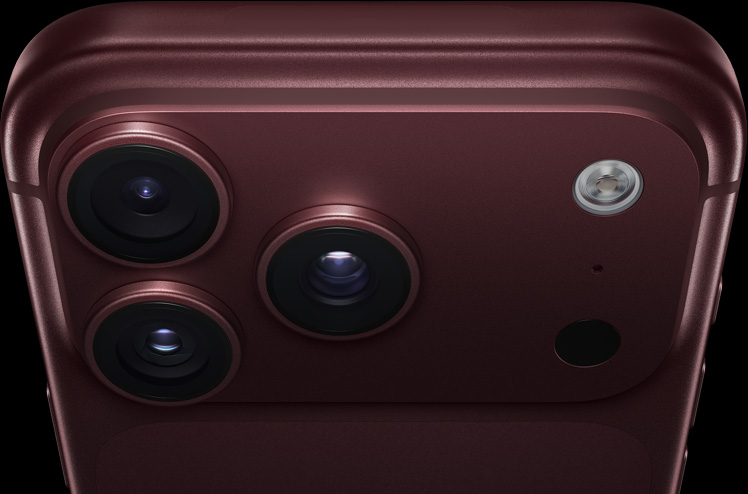
iPhone 18 Pro Not Showing Up in Finder on Mac? Here’s Why
Unlock your iPhone on the Home Screen and tap Trust when asked if your iPhone…
Notes Disappeared on iPhone 18 Pro? How to Recover Them
Update iOS and make sure Notes is turned on in iCloud if your notes disappeared…


Does Your iPhone 18 Pro Screen Keep Dimming? How to Fix
Turn off Auto-Brightness and True Tone if your iPhone 18 Pro screen keeps dimming.
Beats Pro Keep Shutting Off With iPhone 18 Pro? How to Fix
If your Powerbeats Pro keep shutting off with your iPhone 18 Pro or iPhone 18…

Passwords Icon Missing on iPhone 18 Pro After iOS Update
Swipe down on the Home Screen to search for the Passwords app if its icon…
iPhone 18 Pro Video Stuttering? How to Fix
Update your apps and make sure you have enough storage if videos stutter on your…

“Cannot Open, This Media Format Is Not Supported” on iPhone 18 Pro, Fix
If you see "Cannot Open, This media format is not supported" in Apple Music on…

iPhone 18 Pro Keyboard Lagging After iOS Update
Remove your keyboards and add them back if the keyboard lags on your iPhone 18…

Apple Card “Unexpected Error” on iPhone 18 Pro, How to Fix
If Apple Card shows "Unexpected Error" on your iPhone 18 Pro or iPhone 18 Pro…
Weather Widget Location Not Working on iPhone 18 Pro
Check that Weather can use cellular data and Location Services if the Weather widget doesn't…

iPhone 18 Pro Camera Won’t Scan QR Codes? How to Fix
Turn on Scan QR Codes in Camera settings and use the rear camera if your…

AirPods Won’t Reset on iPhone 18 Pro? How to Fix
Reset your network settings and clean the AirPod connectors if your AirPods won't reset with…