Troubleshooting
Having a problem with an Apple device, Mac system software, or iOS? Maybe your Mac is behaving weird, or your iPhone isn’t charging properly, or an iPad app is crashing, or something is just not working as expected? Browse through and search our troubleshooting articles and you might be able to resolve the problem!
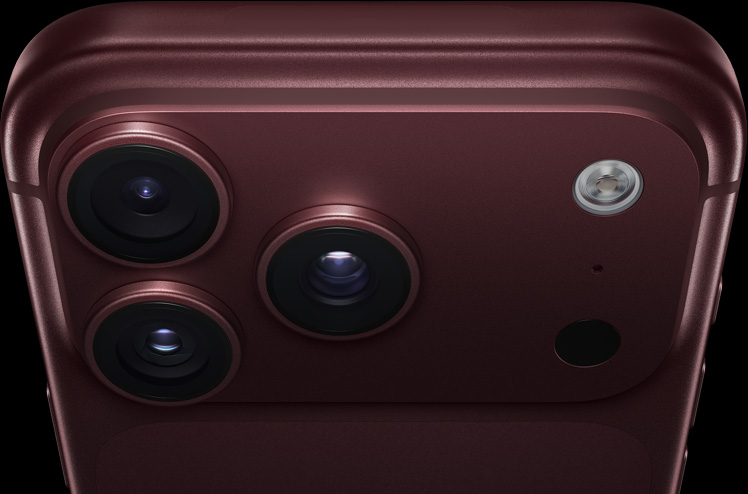

iPhone 18 Pro Not Showing Up in Finder on Mac? Here’s Why
Unlock your iPhone on the Home Screen and tap Trust when asked if your iPhone…
Notes Disappeared on iPhone 18 Pro? How to Recover Them
Update iOS and make sure Notes is turned on in iCloud if your notes disappeared…


iPhone 18 Pro Virus Warning: Is It Real? Here’s the Truth
Don't tap anything or call any number a virus warning shows on your iPhone 18…

Siri Opens Full Screen on iPhone 18 Pro? Here’s Why
Turn on Show Apps Behind Siri in Accessibility settings if Siri opens full screen on…

Verification Failed in the App Store on iPhone 18 Pro
Sign in at iCloud.com to check your Apple Account email and password if the App…

Show Parked Car Not Working in Maps on iPhone 18 Pro
If Show Parked Car isn't working in Maps on your iPhone 18 Pro or iPhone…
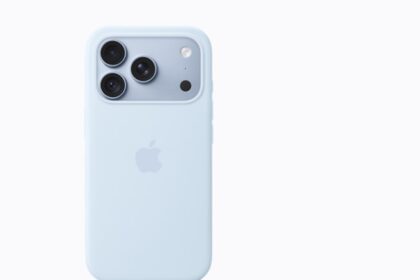
Why Does One AirPod Die Faster on iPhone 18 Pro?
Check your charging case battery, then reinsert and clean the AirPod if one AirPod dies…
Phone App Badge Won’t Go Away on iPhone 18 Pro? Fix
Quit the Phone app and reopen it if its badge won't go away on your…

Siri Sharing Suggestions Not Working on iPhone 18 Pro
If Siri sharing suggestions aren't working on your iPhone 18 Pro or iPhone 18 Pro…
Safari Private Browsing Button Missing on iPhone 18 Pro
Set Web Content to Unrestricted in Screen Time if the Private Browsing button is missing…

How to Remove the Music Widget From iPhone 18 Pro
Make sure music has really stopped and force close all open apps if the Music…

Copy and Paste From iPhone 18 Pro to Mac Not Working
If copy and paste between your iPhone 18 Pro and Mac isn't working, update both…