Tag: Accessibility
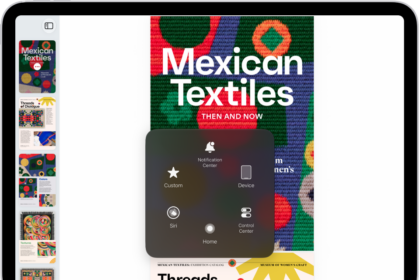
How to control iPad with the movement of your eyes
You can control iPad with the movement of your eyes using Eye Tracking, perform actions…
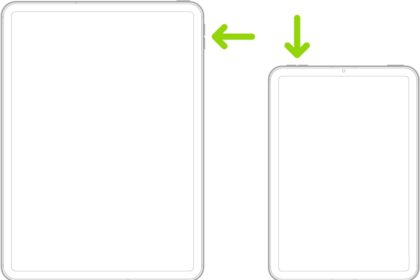
How to adjust settings for the top or Home button
You can adjust settings for the top or Home button on iPad, including click speed,…
iPad mobility accessibility features: Eye Tracking, Voice Control, and more
You can use accessibility features for mobility on iPad to control it with your eyes,…
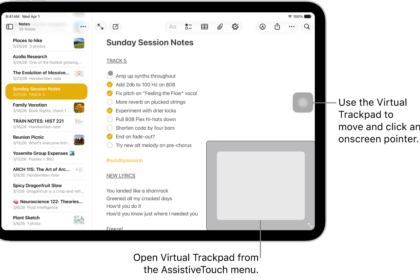
How to use an adjustable onscreen trackpad on iPad
You can use an adjustable onscreen trackpad on iPad with Virtual Trackpad, turning part of…
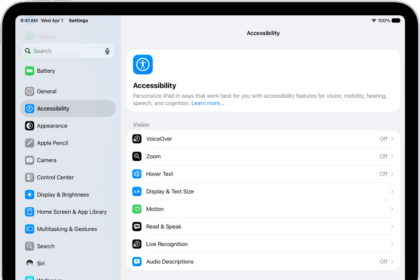
How to adjust how iPad responds to your touch
You can adjust how iPad responds to your touch with Touch Accommodations, Hold Duration, and…
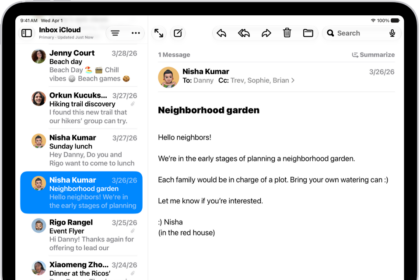
How to get started with accessibility features on iPad
You can get started with accessibility features on iPad for vision, mobility, hearing, speech, and…
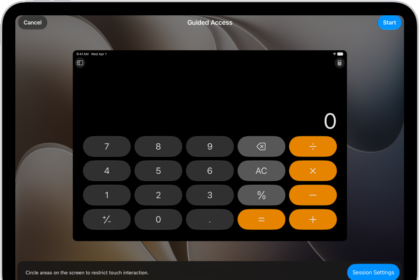
iPad cognitive accessibility features: Assistive Access, Guided Access, and more
You can use cognitive accessibility features on iPad to reduce sensory stimulus, stay focused, and…
How to use AssistiveTouch on iPad
You can use AssistiveTouch on iPad to adapt the touchscreen to your needs, replacing gestures…
How to lock iPad to one app with Guided Access
You can lock iPad to one app with Guided Access, set a time limit, choose…
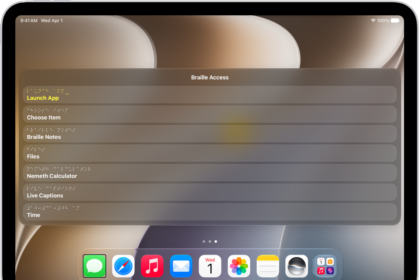
How to use a braille display with VoiceOver on iPad
You can use a braille display with VoiceOver on iPad to control iPad, read what's…