How To
This section is dedicated to helping you use and make the most out of your Apple products. iPhone, iPad, Mac, Apple Watch—if it can make your life better, we’ll show you all the techniques you need to know to get the most out of what you have.


How to Set Up and Disable Touch ID and Face ID
Five wrong fingers locks out Touch ID, which is useful under duress.

How to Set Up Automatic Security Updates on Apple Devices
Apple patches most flaws before they are exploited, if you let it.


How to set up and disable Touch ID on your iPhone, iPad
Learn how to set up and use Touch ID, a fingerprint identity sensor that makes…
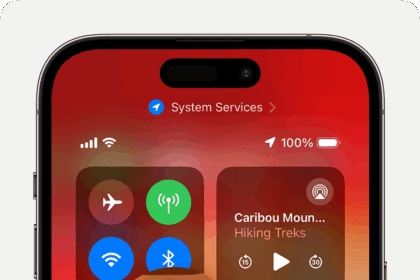
How to use screen mirroring on your iPhone
Here’s how to use screen mirroring on your iPhone, a simple way to project your…

How to connect an Apple Pencil to your iPad
Use Apple Pencil with your iPad to sketch and draw, take notes, or mark up…
How to update apps on iPhone and iOS
Updating your iPhone apps is easy. You just have to know where to look.
How to turn off Background App Refresh on iPhone or iPad
Here’s everything you need to know about how to turn off Background App Refresh on…
How to back up your iPhone
In this guide, i’ll show you how to backup an iPhone step by step.
How to Use Email Instead of Phone Number for iMessage on iPhone & iPad
Learn how to change iMessage to use an email instead of a phone number on…
How to Use a Different Apple Account for App Store & Purchases on iPhone & iPad
Learn how to Use a Different Apple Account for App Store & Purchases on iPhone…
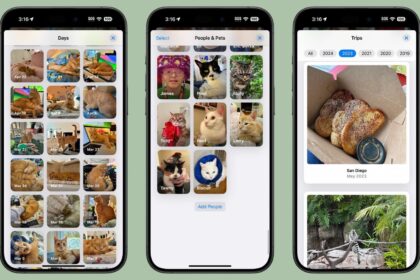
How to access photos on iCloud (a step-by-step guide)
Here’s our step-by-step guide on how to access photos on iCloud.
How to cast your iPhone to a TV (wireless and wired)
This article provides instructions for how to cast your iPhone to a television. It includes…