How To
This section is dedicated to helping you use and make the most out of your Apple products. iPhone, iPad, Mac, Apple Watch—if it can make your life better, we’ll show you all the techniques you need to know to get the most out of what you have.


How to Set Up and Disable Touch ID and Face ID
Five wrong fingers locks out Touch ID, which is useful under duress.

How to Set Up Automatic Security Updates on Apple Devices
Apple patches most flaws before they are exploited, if you let it.


6 Easy Ways to Turn the Flashlight On or Off on iPhone
Learn how to turn the flashlight on or off on your iPhone in various ways.
How to check if iPhone is unlocked using IMEI
Learn how to check if your iPhone is unlocked using IMEI checker tool, carrier, settings,…

How to set up and use Visual Voicemail on an iPhone
Learn how to set up visual voicemail and check your messages on your iPhone.
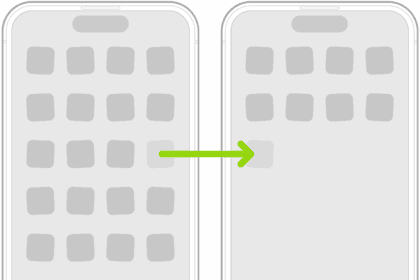
How to move and organize apps on your iPhone Home Screen
Learn how to move and sort your apps on your iPhone.
How to unlock your iPhone if you forgot your passcode
Here are all the methods you can use to unlock your iPhone if you forgot…
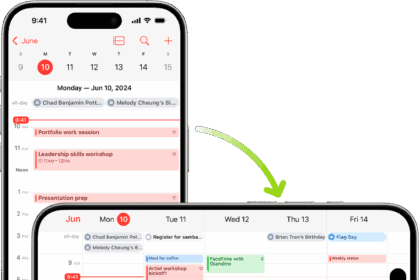
How to rotate your iPhone screen
Learn how to rotate your iPhone screen and what to do if it doesn’t rotate.

How to share your iPhone or iPad screen on FaceTime
Learn how to share your screen in FaceTime on your iPhone or iPad
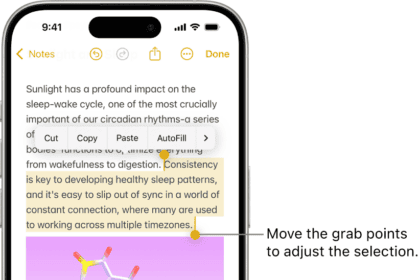
How to copy and paste on your iPhone
We show you how to copy and paste on an iPhone so you can save…

How to stop iPhone from sending messages from email address!
Learn how to stop your iPhone from sending messages from your email address with a…
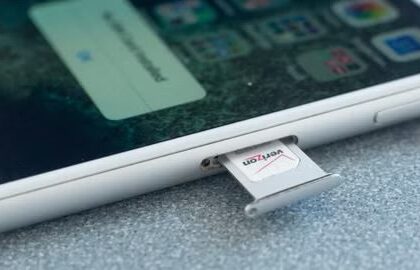
How to remove the SIM card on your iPhone
Learn how to remove the SIM card from your iPhone and change it with a…