How To
This section is dedicated to helping you use and make the most out of your Apple products. iPhone, iPad, Mac, Apple Watch—if it can make your life better, we’ll show you all the techniques you need to know to get the most out of what you have.


How to Set Up and Disable Touch ID and Face ID
Five wrong fingers locks out Touch ID, which is useful under duress.

How to Set Up Automatic Security Updates on Apple Devices
Apple patches most flaws before they are exploited, if you let it.

Learn How To Change Your iCloud Email Address
Here’s how to change the primary email address that you use to sign in to…
How To Type Trademark, Copyright, Symbols On IPhone And IPad
Learn how to write copyright symbol (©), trademark symbol (™), and registered symbol (®) on…
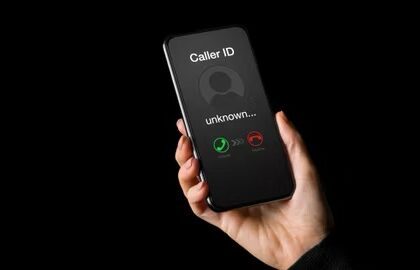
How to Hide Your Number On iPhone to Make Anonymous Calls!
The purpose of this guide is to show you how you can hide your number when…
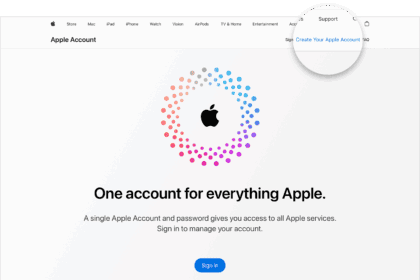
How To Create an Apple account Without an Apple Device & Credit Card
Learn how to create an Apple account without an Apple device and payment method
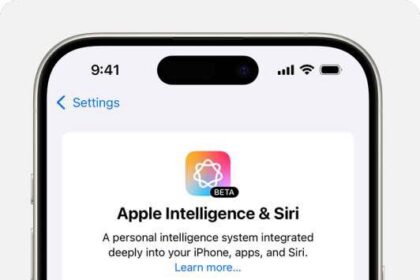
How to Fix Apple Intelligence Not Showing Up on iPhone, iPad, and Mac
Learn what to do with Apple Intelligence is not showing up on your device
How to Fix Fast Cellular Data Consumption on iPhone 16
Here are all the ways to save cellular data on your iPhone 16, iPhone 16…
Where to Find your Apple Account email address on your iPhone, iPad, Mac and the Web
Learn where to Find your Apple Account email address with simple steps
How to Change your Apple Account Password
Learn How to Change your Apple Account Password on an iPhone, iPad, Mac and on…
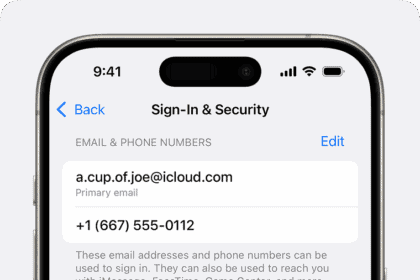
How To Change Apple Account Email Address
Learn how you can change your Apple Account email address on an iPhone, iPad and…