How To
This section is dedicated to helping you use and make the most out of your Apple products. iPhone, iPad, Mac, Apple Watch—if it can make your life better, we’ll show you all the techniques you need to know to get the most out of what you have.


How to Set Up and Disable Touch ID and Face ID
Five wrong fingers locks out Touch ID, which is useful under duress.

How to Set Up Automatic Security Updates on Apple Devices
Apple patches most flaws before they are exploited, if you let it.

Here’s how to unlock an iPhone for use with any carrier
This article explains how you can unlock an iPhone for use with a different carrier.
How to Turn Off Face ID for Messages on an iPhone
Learn How to Turn Off Face ID for Messages in iOS 18

How to hide messages on your iPhone Lock Screen (Guide)
Learn how to hide messages on your iPhone lock screen.
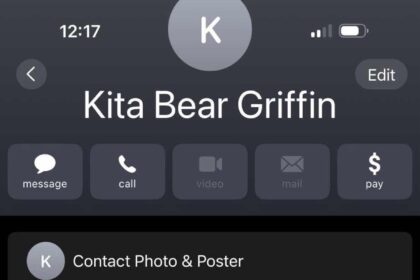
How to easily unblock a number on your iPhone
This article provides details on how you can unblock contacts or numbers on an iPhone.
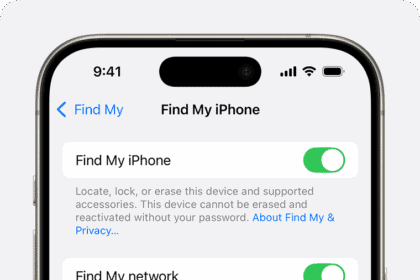
How to turn on or off Find My iPhone (2026)
We show you how to turn on and off Find My iPhone using a few…
How Do I Find My iPhone From A Computer? Check The Steps!
Learn how to use Find My iPhone from a computer so you can find your…
How To Check Safari History on iPhone and Mac
Viewing your Safari history on iPhone and Mac is very easy to do, here's how:
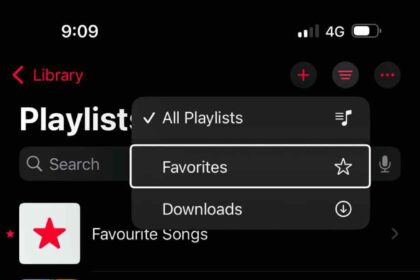
How to See Your Loved Songs in Apple Music
Learn how to find your favorite songs in Apple Music on iPhone, iPad and Mac
How to Lock Messages on iPhone to Keep Your Chats Private
Learn how to lock messages on an iPhone using Face ID, Touch ID or Passcode.

how to find iphone 16 serial number And IMEI
Learn where to find the serial number, IMEI and IMEI2 of your iPhone 16, iPhone…