How To
This section is dedicated to helping you use and make the most out of your Apple products. iPhone, iPad, Mac, Apple Watch—if it can make your life better, we’ll show you all the techniques you need to know to get the most out of what you have.


How to Set Up and Disable Touch ID and Face ID
Five wrong fingers locks out Touch ID, which is useful under duress.

How to Set Up Automatic Security Updates on Apple Devices
Apple patches most flaws before they are exploited, if you let it.


iPhone 12: How to Force Restart, Enter Recovery, & DFU Mode
Learn how-to force restart your iPhone 12, enter recovery mode, DFU mode, and more

iPhone 13: How to Force Restart, Enter Recovery, & DFU Mode
Learn how-to force restart your iPhone 13, enter recovery mode, DFU mode, and more
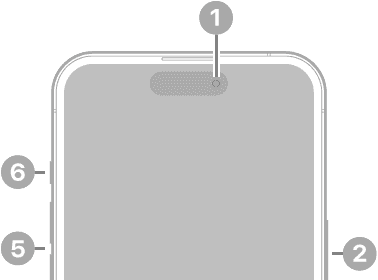
iPhone 14: How to Force Restart, Enter Recovery, & DFU Mode
Learn how-to force restart your iPhone 14, enter recovery mode, DFU mode, and more
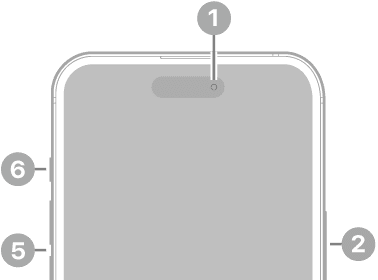
iPhone 15: How to Force Restart, Enter Recovery, & DFU Mode
Learn how-to force restart your iPhone 15, enter recovery mode, DFU mode, and more
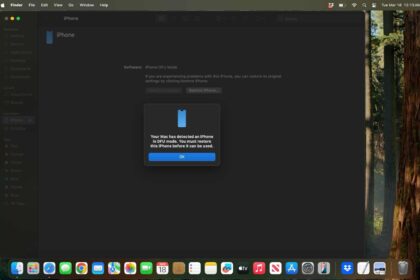
How to Put iPhone in DFU Mode (All Models)
In this article, we’ll check out how to put your iPhone in DFU mode and…
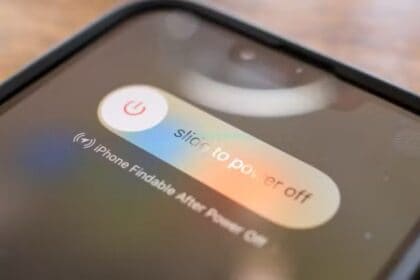
How To Turn Off Your iPhone Without A Power Button
Learn how to turn off your iPhone without a power button!

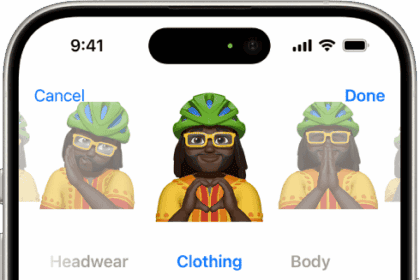
How to create and use Memoji on iPhone
Here’s how to create a Memoji of your own and share it in Messages

How to transfer data from one iPad to another
Learn how to transfer data from iPad to iPad. We'll go through various ways to…
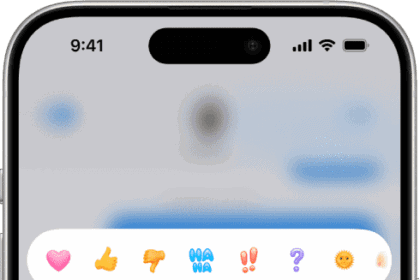
How to edit and unsend iMessages on your iPhone or iPad
Learn how to unsend and edit messages on iPhone or iPad.