How To
This section is dedicated to helping you use and make the most out of your Apple products. iPhone, iPad, Mac, Apple Watch—if it can make your life better, we’ll show you all the techniques you need to know to get the most out of what you have.


How to Set Up and Disable Touch ID and Face ID
Five wrong fingers locks out Touch ID, which is useful under duress.

How to Set Up Automatic Security Updates on Apple Devices
Apple patches most flaws before they are exploited, if you let it.


How to Back Up Your iPhone Before Installing iOS 27
An iCloud backup will not get your iPhone back to an older version of iOS,…
How to Sign Up for the Apple Beta Software Program
Signing up takes a few steps. The steps below cover iPhone.

How to download files and documents to iPhone or iPad
In this article, I'll try to share different options for you to download files to…
Here’s How to Download iOS 27 Public Beta on Your iPhone
Here’s how to install iOS 27 public beta on your iPhone, what’s new, and which…
How to uninstall iOS 27 developer beta from your iPhone
If you installed a version of iOS 27 beta and no longer want it, you…
Download iOS 27 beta on Your iPhone. How to Get It Right Now
Here’s everything you need to know about downloading the iOS 27 beta on your iPhone.
How to Change Default Apps on Mac
We'll show you how to change default apps in macOS, step-by-step
How to Check Wi-Fi Networks Signal Strength on iPhone or iPad
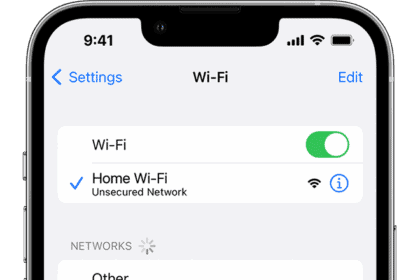
You have two quick and simple ways to view the wi-fi signal strength of a…
How to Add a Border to Photos on iPhone or iPad
We'll show you a simple trick that allows you to place a colored border around…

How to Unsilence Calls on iPhone: A Step-by-Step Guide
We'll walk through the most common reasons why an iPhone has silenced calls, and show…