iPhone
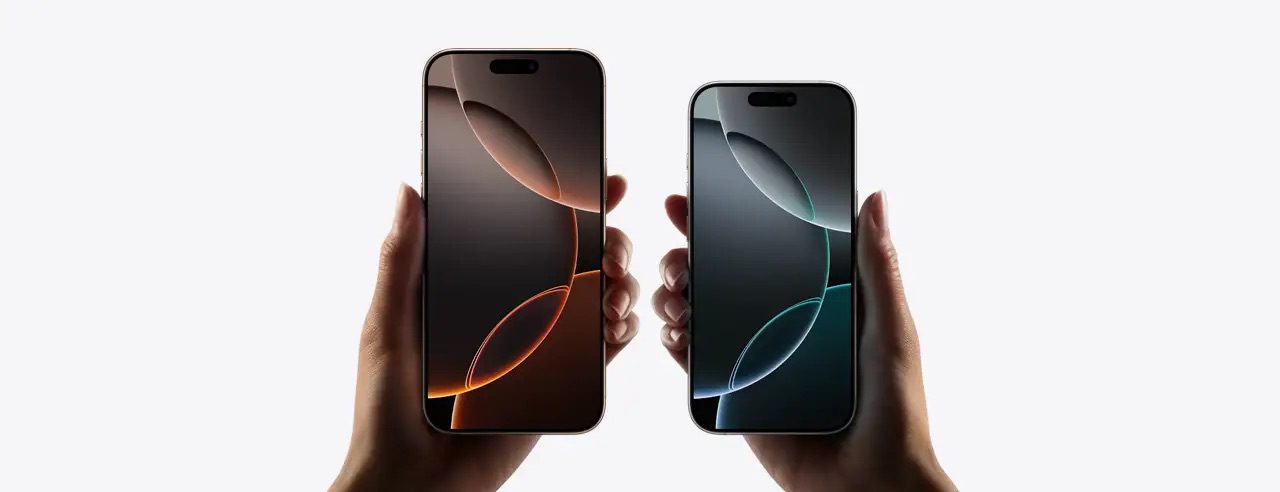
The iPhone is a smartphone made by Apple that combines a computer, iPod, digital camera and cellular phone into one device with a touchscreen interface. The iPhone runs the iOS operating system.
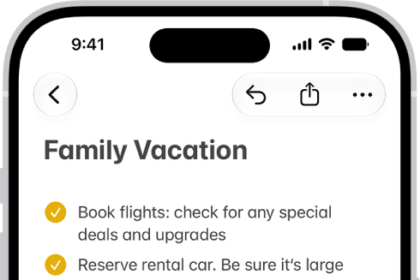
How to use shortcuts on Magic Keyboard with iPhone
You can open Search and use text replacements from anywhere without lifting your hands from…
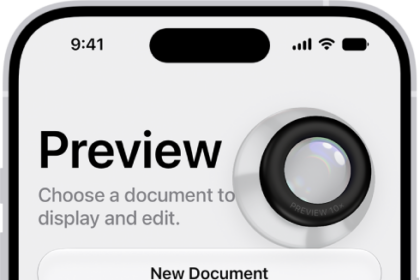
How to save, rename, or move PDFs and images in Preview on iPhone
You can save, rename, duplicate, copy, or move a PDF or image in the Preview…

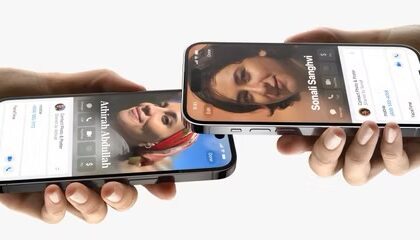
How to Exchange Contact Information Using NameDrop on an iPhone
NameDrop makes it super easy to share contact information with other iPhone and Apple Watch…
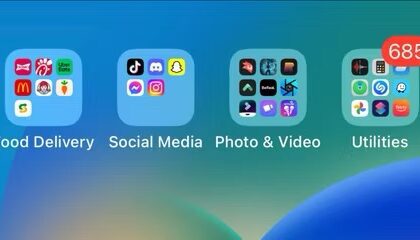
How to Create Folders and Organize Apps on iPhone Home Screen
Use folders on your Home Screen to help organize your iPhone apps
How to leave a video message in FaceTime on iPhone
Here’s how to leave an audio or video message on FaceTime
What is Contact Key Verification on iPhone? Turn on or off?
Learn what Contact Key Verification is and whether you should enable or disable
How to turn off the always-on display on the iPhone 15 Pro and 14 Pro
If you find the Always-On display feature distracting or annoying, it's easy to turn off.

How to activate iPhone’s Screen Distance Feature to Protect Your Eyes
This feature could alleviate eyestrain triggered by using your iPhone.
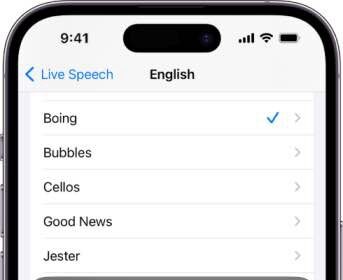
How to set up and use Live Speech on iPhone and iPad
Type text that can be spoken on phone calls and in FaceTime
How to set up Assistive Access on your iPhone or iPad
Before you try out Assistive Access on your iPhone or iPad, you'll have to set…
How to use Point and Speak on iPhone or iPad
If you're blind or have low vision, you can use Point and Speak in Magnifier…
How to activate Stolen Device Protection on your iPhone
Give Your iPhone More Security With Stolen Device Protection