How To
This section is dedicated to helping you use and make the most out of your Apple products. iPhone, iPad, Mac, Apple Watch—if it can make your life better, we’ll show you all the techniques you need to know to get the most out of what you have.
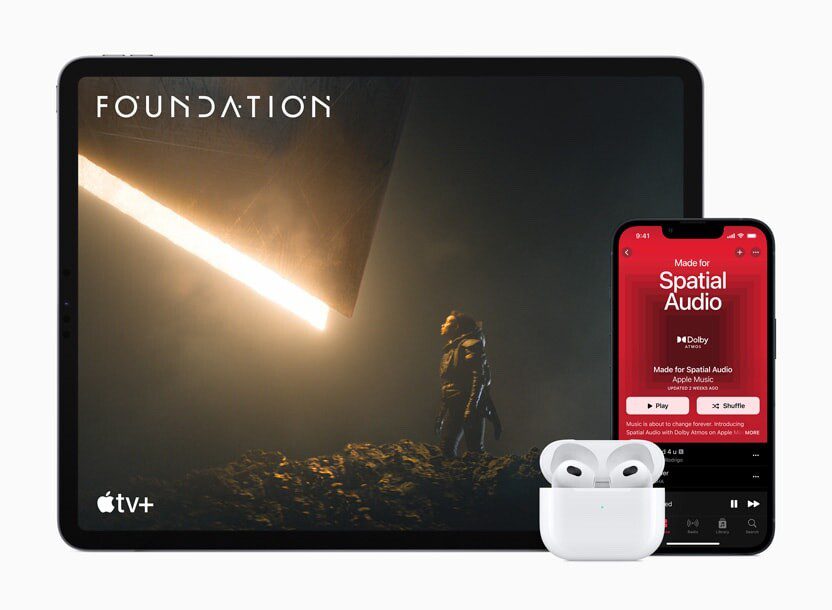


How to Set Up and Disable Touch ID and Face ID
Five wrong fingers locks out Touch ID, which is useful under duress.

How to Set Up Automatic Security Updates on Apple Devices
Apple patches most flaws before they are exploited, if you let it.

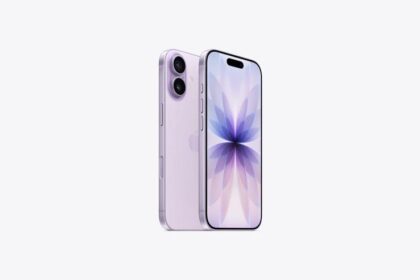
How to turn off your iPhone 17
While you might be eager to explore new iOS 26 features, mastering the basics of…
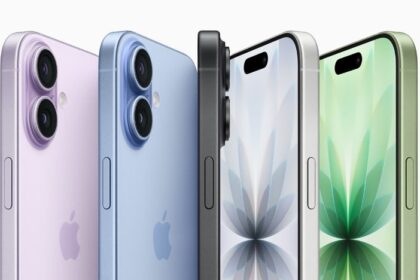
How to Soft Reset Your iPhone 17
Soft resetting should be one of your first troubleshooting steps whenever you face issues on…
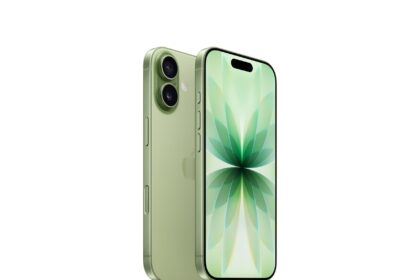
How to Put Your iPhone 17 in Recovery Mode
Here are some simple steps to follow if you need to know how to put…
How to Put Your iPhone 17 in DFU Mode
Here are some simple steps to follow if you need to know how to put…
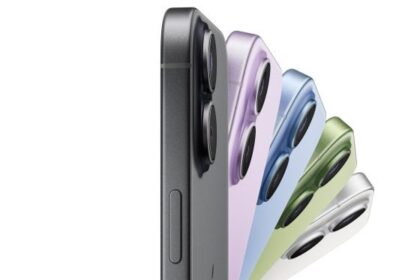
How to Restart, Force Restart, or Reset an iPhone 17
Here's how to restart or force restart an iPhone 17 — and what to do…
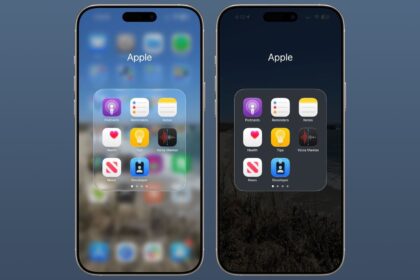
How to turn off transparency mode on iOS 26
The quickest way to make iOS 26 less transparent is through the Reduce Transparency setting:
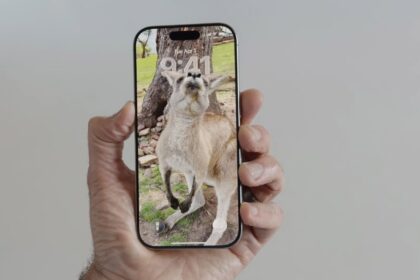
How to make a photo 3D Spatial Scenes on iPhone in iOS 26
This guide explains how to use Spatial Scenes on iOS 26, step-by-step.
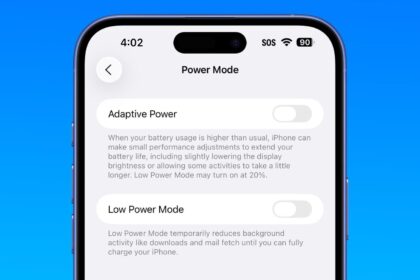
How to Enable or Disable Adaptive Power Mode in iOS 26
iOS 26's new Adaptive Power mode is enabled by default on iPhone 17 — here’s…
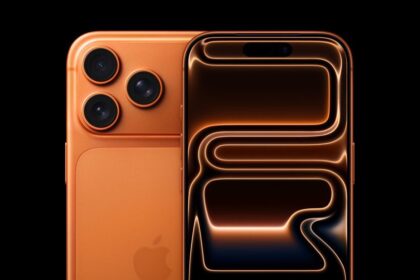
How to Shoot in Apple’s ProRes RAW Format on iPhone 17 Pro
Shooting ProRes RAW on iPhone 17 Pro is quick and easy