How To
This section is dedicated to helping you use and make the most out of your Apple products. iPhone, iPad, Mac, Apple Watch—if it can make your life better, we’ll show you all the techniques you need to know to get the most out of what you have.
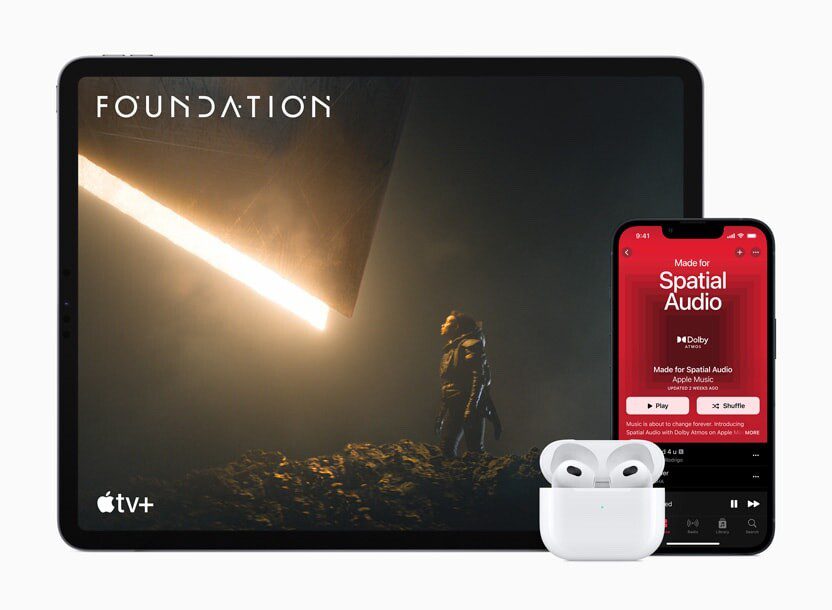


How to Set Up and Disable Touch ID and Face ID
Five wrong fingers locks out Touch ID, which is useful under duress.

How to Set Up Automatic Security Updates on Apple Devices
Apple patches most flaws before they are exploited, if you let it.

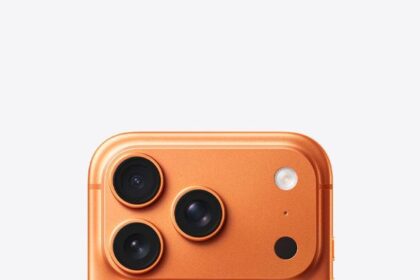
How to Use the New 8x Optical Zoom on iPhone 17 Pro Models
iPhone 17 Pro and iPhone 17 Pro Max: Using Optical Zoom

How to Disable Center Stage Camera Auto-Zoom on iPhone 17
iPhone 17: How to Disable Center Stage Auto Zoom

Disable Center Stage Front Camera Auto-Rotate on iPhone 17
It's easy to disable auto rotate while using front camera on an iPhone 17 models…
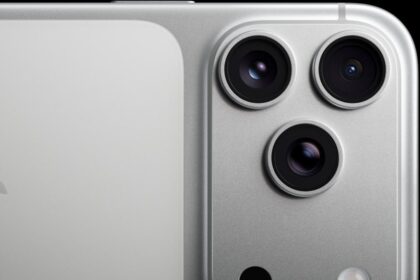
How to Use the New Dual Capture Video on iPhone 17 models
Dual Capture works across the iPhone 17 series, including the iPhone Air. Here's how to…
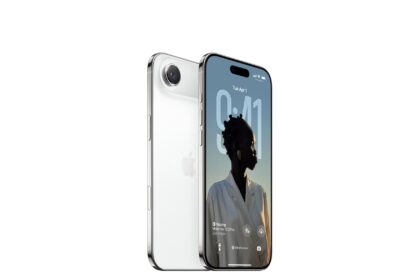
How to use the Center Stage front camera on iPhone 17 models
This article explains how to use the new Center Stage front camera on iPhone 17,…

iPhone 17: Rotate the Front Camera Without Moving The Phone
Learn How to Rotate the Front Camera into Portrait and Landscape Mode on Your iPhone…
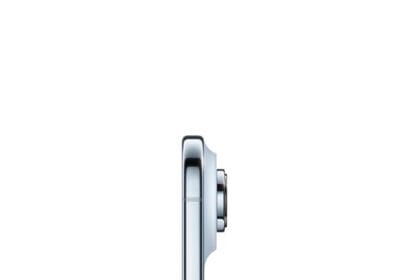
How to use the Camera Control on iPhone 17 and iPhone 17 Pro
This article explains how to use the camera control on an iPhone 17, iPhone air,…

How to use Dynamic Island on any iPhone 17 model
Learn what Dynamic Island does, how it works, and how to interact with it to…

How to use and customize the Action button on any iPhone 17
Learn how to use and customize the action button on an iPhone 17, iPhone Air,…
How to Take a Screenshot on iPhone Air
Learn how to screenshot on an iPhone air, including full page screenshot