How To
This section is dedicated to helping you use and make the most out of your Apple products. iPhone, iPad, Mac, Apple Watch—if it can make your life better, we’ll show you all the techniques you need to know to get the most out of what you have.
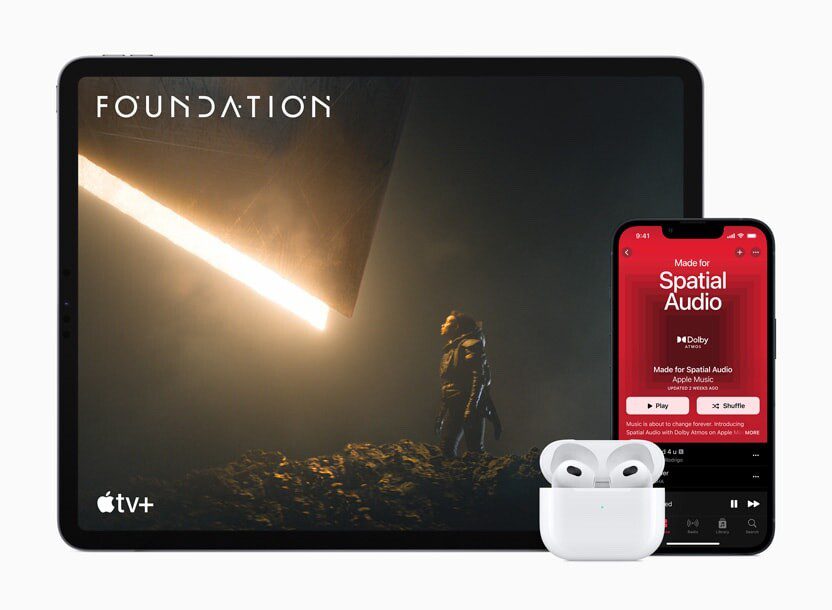


How to Set Up and Disable Touch ID and Face ID
Five wrong fingers locks out Touch ID, which is useful under duress.

How to Set Up Automatic Security Updates on Apple Devices
Apple patches most flaws before they are exploited, if you let it.


How to Put Your iPhone Air in DFU Mode
Here are some simple steps to follow if you need to know how to put…
How to Put Your iPhone Air in Recovery Mode
Here are some simple steps to follow if you need to know how to put…
How to Soft Reset Your iPhone Air
Soft resetting should be one of your first troubleshooting steps whenever you face issues on…

How to Restart, Force Restart, or Reset an iPhone Air
Here’s how to restart or force restart an iPhone Air — and what to do…
Just Got a New iPhone Air? How to Use All the New Features
Whether you're upgrading from an older iPhone or completely new to the iPhone Air, this…

How to Calibrate The iPhone 17 Pro Battery
Here’s how to calibrate your iPhone 17 Pro battery and why it’s worth doing every…

How to set up your new iPhone 17 Pro
Before you can start using your iPhone 17 Pro, you need to set it up,…
How to Put an iPhone 17 Pro or iPhone 17 Pro Max in DFU Mode
Here are some simple steps to follow if you need to know how to put…