How To
This section is dedicated to helping you use and make the most out of your Apple products. iPhone, iPad, Mac, Apple Watch—if it can make your life better, we’ll show you all the techniques you need to know to get the most out of what you have.
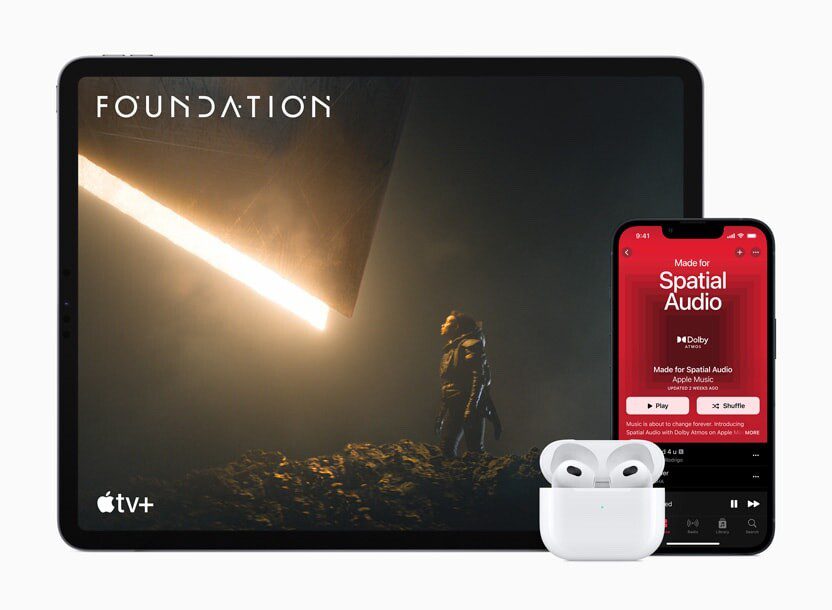


How to Set Up and Disable Touch ID and Face ID
Five wrong fingers locks out Touch ID, which is useful under duress.

How to Set Up Automatic Security Updates on Apple Devices
Apple patches most flaws before they are exploited, if you let it.

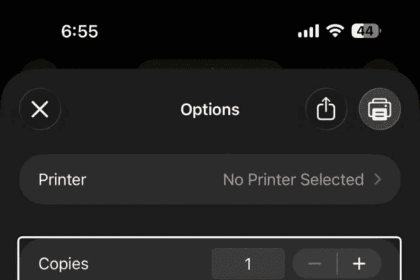
How to Print Photos from iPhone & iPad
Learn how to print photos from iPhone or iPad using an AirPrint-compatible printer.

How to Set an iPhone Camera Timer: Quick Guide
You can set a timer on your iPhone camera to take a picture without physically…

How to Connect Your Apple TV to Hotel Wi-Fi
If you are trying to get your Apple TV to work with your hotel's Wi-Fi…

How To View Recently Closed Tabs in Safari on iPhone & iPad
Learn how you can restore closed tabs in Safari on iPhone and iPad.
How to connect and pair your Apple Pencil with your iPad
Use Apple Pencil with your iPad to sketch and draw, take notes, or mark up…

How to clean a MacBook keyboard: A step-by-step guide
How to clean the keyboard of your MacBook or MacBook Pro

How to Revert Safari’s Bookmarks Sidebar to a Simple List on Mac
Easily switch Safari sidebar to Compact (list) on Mac

How to Turn On and Connect AirPods Without the Case: Guide
You can still connect to previously paired devices even without your AirPods case. However, the…
How to connect AirPods to your iPhone or Android device
We'll show you how to automatically or manually connect your AirPods to an iPhone and…