How To
This section is dedicated to helping you use and make the most out of your Apple products. iPhone, iPad, Mac, Apple Watch—if it can make your life better, we’ll show you all the techniques you need to know to get the most out of what you have.


How to Set Up and Disable Touch ID and Face ID
Five wrong fingers locks out Touch ID, which is useful under duress.

How to Set Up Automatic Security Updates on Apple Devices
Apple patches most flaws before they are exploited, if you let it.

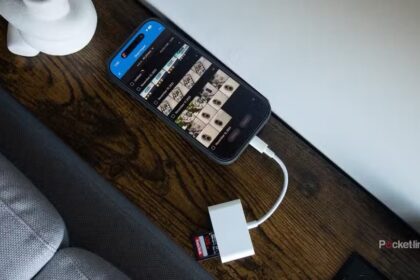
How to transfer photos from iPhone to SD Card
Learn how to transfer photos from your iPhone to a SD Card to back up…
How to use SD and microSD memory cards with iPhone
our iPhone and SD or microSD cards can be friends.
How to access a USB drive with iPhone or iPad
The only software you need to access the contents of USB drives on your iPhone…
How to Power Off, Power On & Hard Reset iPhone X & Newer
Learn how to turn off your iPhone, how to turn it back on, and how…
How to Delete Apps on iPhone or iPad
We show you various ways to delete apps on your iPhone. The steps works on…

How to Know If Someone Blocked You on iPhone & iMessage
We'll show you the most reliable ways to tell if someone blocked your number on…
How to Enable iMessage on an iPhone, iPad & Mac
Learn how to set up iMessage on iPhone, iPad and Mac.

How to change your ringtone on iPhone
Your iPhone comes with more than 50 ringtones, so you have a good chance of…
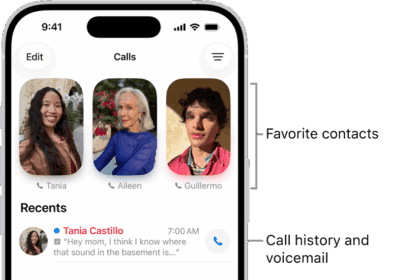

How to Make International Calls for Free on iPhone
Learn the most popular ways to make free international calls on your iPhone.