How To
This section is dedicated to helping you use and make the most out of your Apple products. iPhone, iPad, Mac, Apple Watch—if it can make your life better, we’ll show you all the techniques you need to know to get the most out of what you have.



How to Set Up and Disable Touch ID and Face ID
Five wrong fingers locks out Touch ID, which is useful under duress.

How to Set Up Automatic Security Updates on Apple Devices
Apple patches most flaws before they are exploited, if you let it.

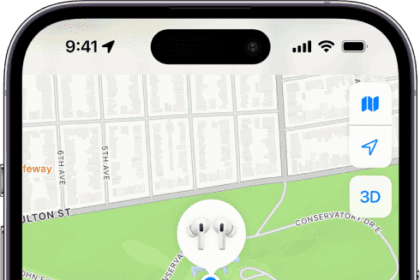
How to Refresh Locations in Find My App on iPhone & iPad
We’ll show you a few different ways to refresh the location of people and things…


How to Turn Off Headphone Safety on iPhone
If you do not want to receive Headphone Notifications on your iPhone, you need to…

How to Find Your Parked Car Location on iPhone (2026)
For those that need help finding their car, Apple Maps has a built-in “Parked Car”…
How to Completely Delete Voice Memos on iPhone or iPad
In this article, I explain how you can completely delete your voice memos so that…
How to Free Up WhatsApp Storage on iPhone
In this article, I explain how you can free up WhatsApp storage space on your…

How to Unzip Files on iPhone or iPad
We show you how to Unzip a File on an iPhone or iPad using the…

How To Turn On Apple Watch: The Fast & Easy Guide!
In this article, I’ll show you how to turn on an Apple Watch!


How to Reset Screen Time Passcode on iPhone & iPad.
Need to regain access to your Screen Time settings? We’ll cover how you can reset…