How To
This section is dedicated to helping you use and make the most out of your Apple products. iPhone, iPad, Mac, Apple Watch—if it can make your life better, we’ll show you all the techniques you need to know to get the most out of what you have.


How to Set Up and Disable Touch ID and Face ID
Five wrong fingers locks out Touch ID, which is useful under duress.

How to Set Up Automatic Security Updates on Apple Devices
Apple patches most flaws before they are exploited, if you let it.

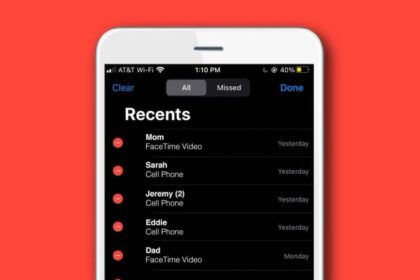
How to turn off the ringtone for one contact on your iPhone
Learn How to Turn Off Ringtone for a Single Contact on iPhone with a Silent…
How to Upload Videos to YouTube on iPhone or iPad
This article explains how you can upload your videos to YouTube directly from your iPhone…
How to Use an External Storage Drive with your iPad
Learn how to connect and use an External Storage Drive with your iPad
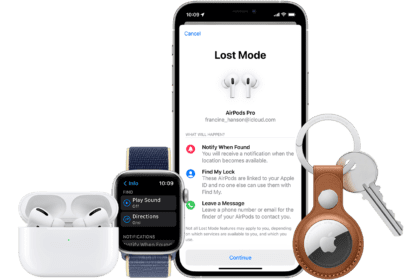
How to find your Apple Watch when it’s dead
This guide will show you how to locate your dead Apple Watch using the Find…
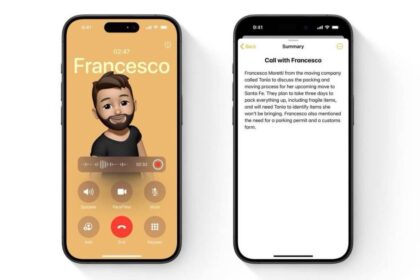
How to Record a Phone Call on iPhone (2026)
We step you through various ways to recording a call on your iPhone. See which…

How to use Your iPad or iPhone as a Security Camera
Don't let your old iPad go to waste. Use it as a security camera.
How to Switch iCloud Accounts on iPhone (2026)
Learn how to switch iCloud accounts on your iPhone
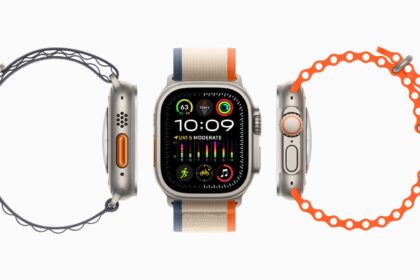
How to Sign into iCloud on Apple Watch
I’ll show you how to sign into iCloud on your Apple Watch, and share with…
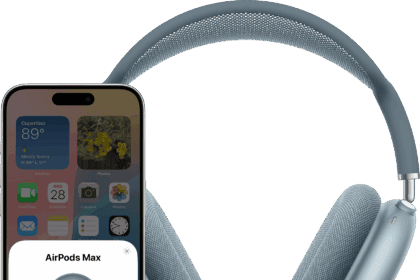
How to Put AirPods Max in Pairing Mode
In this article, I’ll show you how to put your AirPods Max in pairing mode…

How to use your iPhone as a mobile Hotspot
You can use your iPhone as a hotspot for your laptop, Android, iPad, TV, ETC.…