How To
This section is dedicated to helping you use and make the most out of your Apple products. iPhone, iPad, Mac, Apple Watch—if it can make your life better, we’ll show you all the techniques you need to know to get the most out of what you have.
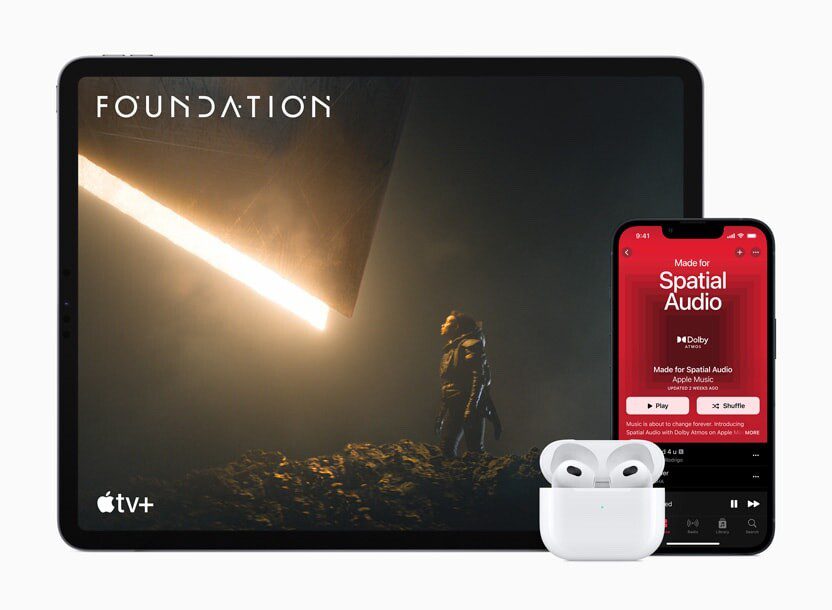


How to Set Up and Disable Touch ID and Face ID
Five wrong fingers locks out Touch ID, which is useful under duress.

How to Set Up Automatic Security Updates on Apple Devices
Apple patches most flaws before they are exploited, if you let it.

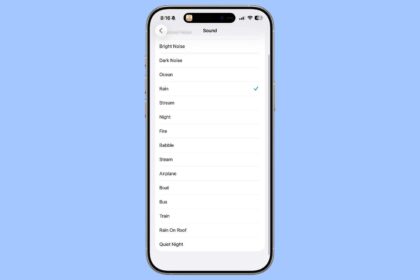
How to Play iOS 26’s New Background Sounds on iPhone & iPad
iOS 26 Background Sounds can be toggled on in the Settings app under Accessibility >…
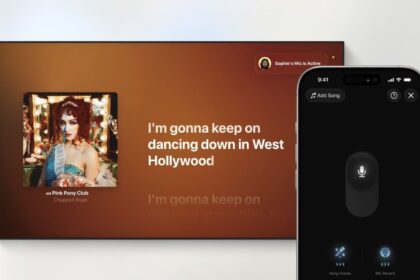
How to Use iPhone as a Karaoke Mic with Apple Music Sing in tvOS 26
Turn your Apple TV into an actual karaoke machine with iOS 26 and tvOS 26
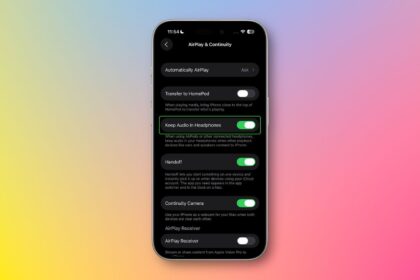
How to Prevent iPhone from Automatically Switching Audio Output in iOS 26
Learn how to prevent your iPhone from automatically switching audio output in iOS 26.
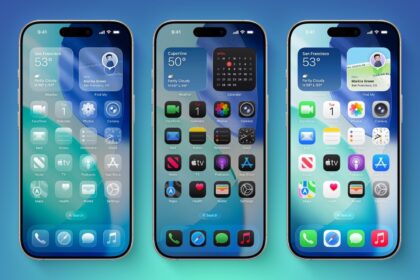
How to Turn OFF iOS 26 Liquid Glass Design on iPhone & iPad
Lern how to turn off the iOS 26 Glass Design and restored a more minimalistic,…
How to Use Apple Music AutoMix in iOS 26 for DJ-Like Song Transitions
Learn how to use AutoMix in iOS 26 to create seamless, DJ-like song transitions in…

How to Download the iOS 26 Developer Beta on Your iPhone
Here's everything you need to know about downloading the iOS 26 developer beta on your…

Download iOS 26 beta on Your iPhone. How to Get It Right Now
Learn how to download iOS 26 beta
How to Set Up Email Auto Reply on iPhone
Learn how to set an automatic email reply on your iPhone in the Mail, Outlook,…
How to Mute iPhone & Turn Off All Sound: Complete Guide
We’ll go through the various steps to help you mute and turn off all sound…
How to Recover Lost iPhone Contacts from iCloud
You can easily tap into iCloud and restore your contacts from an earlier version that…