Troubleshooting
Having a problem with an Apple device, Mac system software, or iOS? Maybe your Mac is behaving weird, or your iPhone isn’t charging properly, or an iPad app is crashing, or something is just not working as expected? Browse through and search our troubleshooting articles and you might be able to resolve the problem!
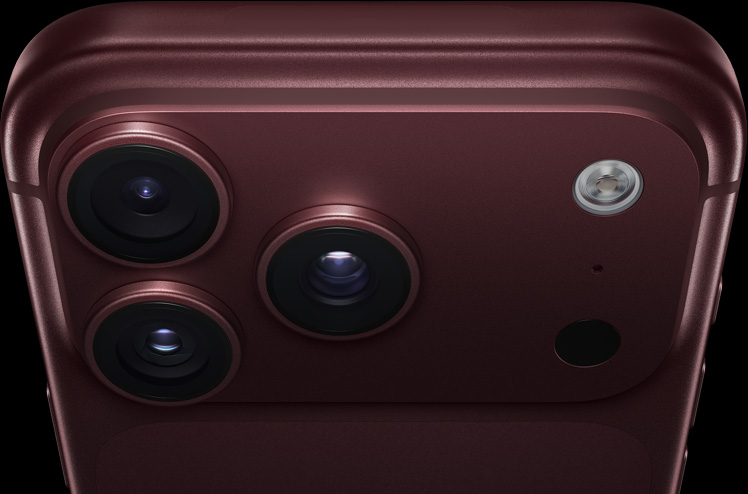
iPhone 18 Pro Not Showing Up in Finder on Mac? Here’s Why
Unlock your iPhone on the Home Screen and tap Trust when asked if your iPhone…

Notes Disappeared on iPhone 18 Pro? How to Recover Them
Update iOS and make sure Notes is turned on in iCloud if your notes disappeared…


Facebook Freezes and Comments Won’t Load on iPhone 18 Pro
Turn off any VPN and restart your Wi-Fi router if Facebook freezes or comments won't…

“Unable to Load Video” Error on iPhone 18 Pro, Fix
Learn what to do if your iPhone 18 Pro or iPhone 18 Pro Max shows…

Netflix Cannot Play Title on iPhone 18 Pro? Here’s the Fix
Restart the Netflix app and your iPhone if Netflix says it cannot play a title…

“Time to Leave” Crossed Out in Calendar on iPhone 18 Pro, Fix
Check Location Services and reset Location & Privacy if Time to Leave is crossed out…
AirPods and AirPods Pro Settings are not Saved on iPhone 18 Pro, Fix
If your AirPods settings don't stay saved on your iPhone 18 Pro or iPhone 18…
Can’t Sign Out of Apple Account on iPhone 18 Pro? Here’s Why
Turn off your Screen Time passcode or change your Screen Time settings if your iPhone…

Can’t Swipe Up to Close Apps on iPhone 18 Pro? How to Fix
If swiping up doesn't close apps on your iPhone 18 Pro or iPhone 18 Pro…

Why Does iPhone 18 Pro Keep Asking for My Apple Account Password?
If your iPhone 18 Pro or iPhone 18 Pro Max keeps asking for your Apple…

iPhone 18 Pro Ringer Volume Too Low or Fading? What to Do
Raise the ringtone volume in Sounds & Haptics and check Change with Buttons if your…
Can’t Change Your Apple Account Country on iPhone 18 Pro? Fix
If you can't change your Apple Account country on your iPhone 18 Pro or iPhone…