How To
This section is dedicated to helping you use and make the most out of your Apple products. iPhone, iPad, Mac, Apple Watch—if it can make your life better, we’ll show you all the techniques you need to know to get the most out of what you have.


How to Set Up and Disable Touch ID and Face ID
Five wrong fingers locks out Touch ID, which is useful under duress.

How to Set Up Automatic Security Updates on Apple Devices
Apple patches most flaws before they are exploited, if you let it.

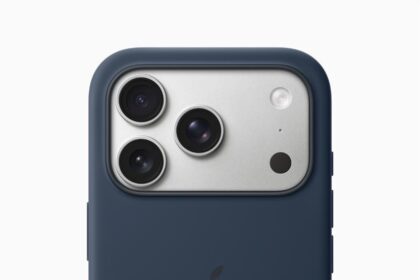
How to Soft Reset Your iPhone 17 Pro
Soft resetting should be one of your first troubleshooting steps whenever you face issues on…

How to Restart, Force Restart, or Reset an iPhone 17 Pro
Here’s how to restart or force restart an iPhone 17 Pro or iPhone 17 Pro…

How to Turn On an iPhone 17 Pro
Here’s how to turn your iPhone 17 Pro or iPhone 17 Pro Max on.
How to turn off your iPhone 17 Pro
Four easy ways to power down your iPhone 17 Pro or iPhone 17 Pro Max

How to install watchOS 26 public beta on your Apple Watch
Here’s how to install watchOS 26 public beta on your Apple Watch

How to install macOS Tahoe 26 public beta on your Mac
Learn how to install macOS Tahoe public beta on your Mac.
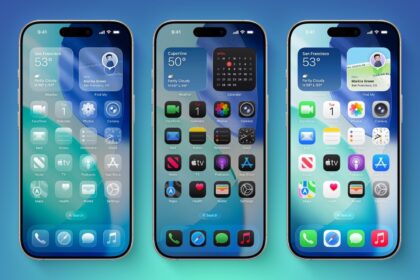
Here’s How to Download iOS 26 Public Beta on Your iPhone
The iOS 26 public beta is your first chance to try out new features, like…
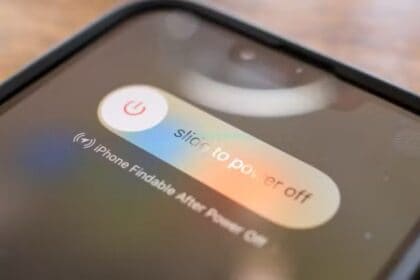
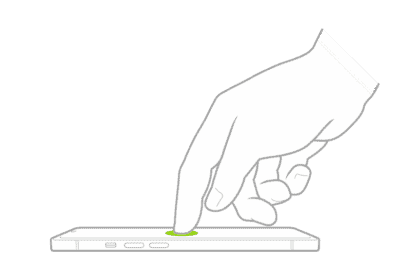
How to Wake, unlock, and lock your iPhone
When you're not using your iPhone, lock it to save power. You can quickly wake…