How To
This section is dedicated to helping you use and make the most out of your Apple products. iPhone, iPad, Mac, Apple Watch—if it can make your life better, we’ll show you all the techniques you need to know to get the most out of what you have.


How to Set Up and Disable Touch ID and Face ID
Five wrong fingers locks out Touch ID, which is useful under duress.

How to Set Up Automatic Security Updates on Apple Devices
Apple patches most flaws before they are exploited, if you let it.

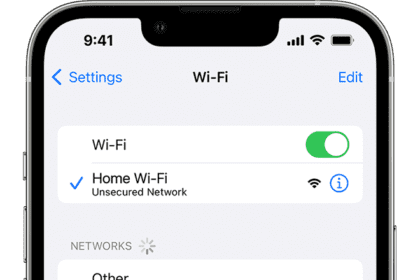
How to connect your iPhone to a Wi-Fi network
Learn how to connect your iPhone to a Wi-Fi network, including open, hidden, secure, public…

How to connect iPhone to Bluetooth accessories
Connect your iPhone to Bluetooth® accessories to stream music and videos, play games, connect to…
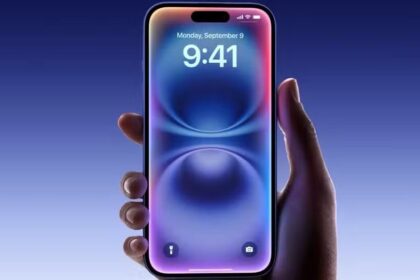
How to Set a Voice Memo as iPhone Ringtone in iOS 26 – Without Using GarageBand
In this guide, I’ll show you how to set a Voice Memo as iPhone Ringtone…

How to Set Custom Ringtones on iPhone in iOS 26 Without GarageBand
Learn how to set custom ringtones on your iPhone in iOS 26 without needing the…
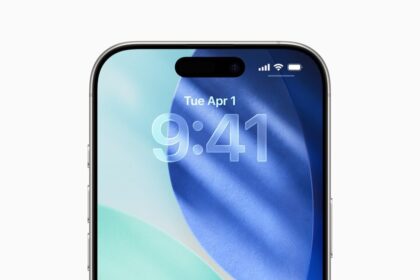
how to use iOS 26 call screening on iPhone
Learn how to enable and use iOS 26 Call Screening feature on your iPhone
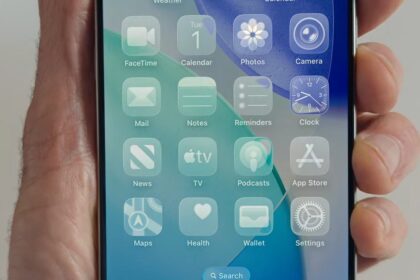
How to Get Clear App Icons on iPhone & iPad in iOS 26/iPadOS 26
Learn how to activate the new clear app icons feature in iOS 26 and iPadOS…
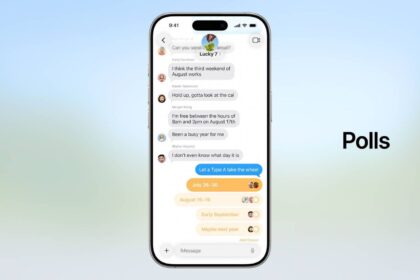
How to Create a Poll in iMessage on iOS 26 on iPhone and iPad
Learn how to create and share a poll in iMessage on your iPhone or iPad…
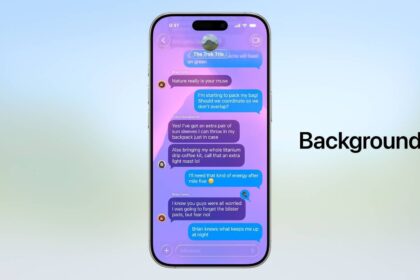
How to change the background on iMessage on iPhone in iOS 26
Learn how to change your iMessage background on iOS 26 to personalize your conversations
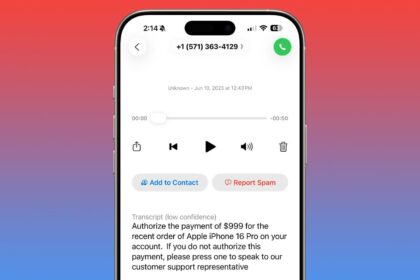
How to Report Spam Voicemails on iPhone in iOS 26
Learn how to report spam Voicemails in iOS 26
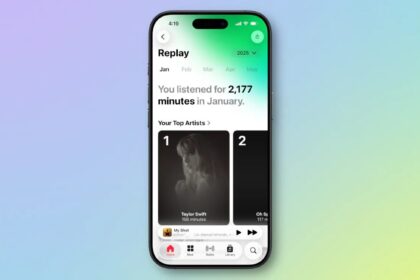
Apple Music Replay in iOS 26 is awesome! Here’s how it works
Starting with iOS 26, Apple Music Replay is a fully native in-app experience