How To
This section is dedicated to helping you use and make the most out of your Apple products. iPhone, iPad, Mac, Apple Watch—if it can make your life better, we’ll show you all the techniques you need to know to get the most out of what you have.


How to Set Up and Disable Touch ID and Face ID
Five wrong fingers locks out Touch ID, which is useful under duress.

How to Set Up Automatic Security Updates on Apple Devices
Apple patches most flaws before they are exploited, if you let it.

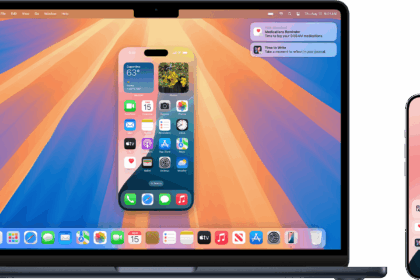
How to set up iPhone Mirroring: Use your iPhone from your Mac
iPhone Mirroring allows you to use iPhone from your nearby compatible Mac. With iPhone mirroring,…
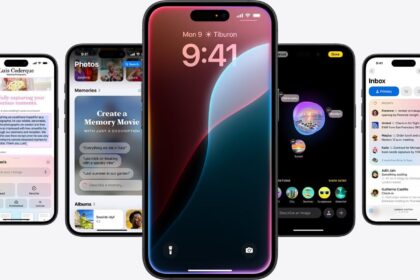
How to Turn On Apple Intelligence on Your iPhone, iPad, and Mac
Learn how to Turn On Apple Intelligence on Your iPhone, iPad, and Mac

How to Cancel your AppleCare Plan and Get a Refund (2026)
Learn how you can cancel your AppleCare+ plan and how to request and get a…

How to Create an Apple Music Playlist on iPhone, iPad and Mac
Learn how to curate a playlist on Apple Music app on your iPhone, iPad or…
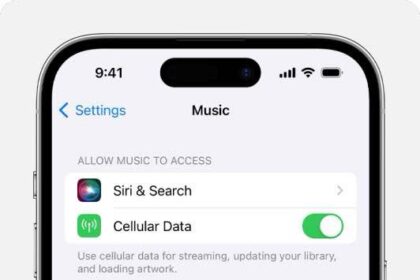
Apple Music ‘Sync Library is Off,’ Turn On? Explained!
Learn what Sync Library does, if you should turn it on and how to turn…
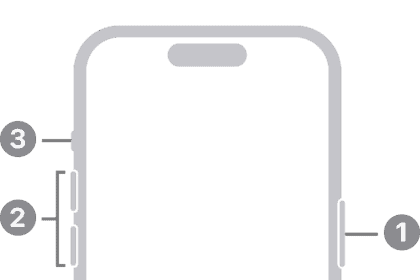
How to Force Restart, Enter DFU, Recovery Mode on iPhone 16/16 Pro
Learn how to power on and off, force a restart, enter DFU mode, enter recovery…

iPhone or iPad not Showing up in Finder on Mac, How to Fix
iPad or iPhone not appearing in the Finder sidebar? Here are several ways to fix…

How to See Spotify Lyrics on iPhone, iPad and Mac
Learn how to view lyrics in the Spotify app on iPhone, iPad and Mac with…