How To
This section is dedicated to helping you use and make the most out of your Apple products. iPhone, iPad, Mac, Apple Watch—if it can make your life better, we’ll show you all the techniques you need to know to get the most out of what you have.



How to Set Up and Disable Touch ID and Face ID
Five wrong fingers locks out Touch ID, which is useful under duress.

How to Set Up Automatic Security Updates on Apple Devices
Apple patches most flaws before they are exploited, if you let it.

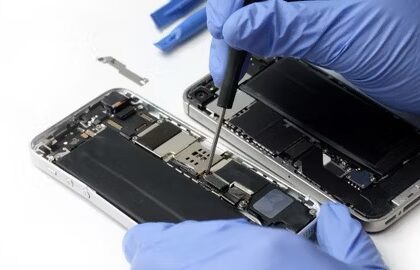
How to Check your Apple Repair Status Online
Sent your device to Apple service center for repair and need to check your repair…
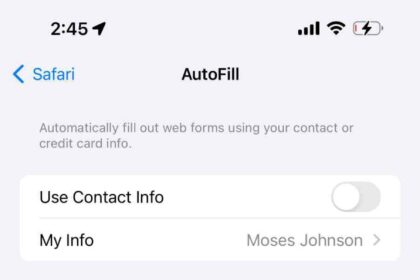
How to Change your Safari AutoFill Data
Learn how you can change your AutoFill data in Safari.

Yes, You Can Transfer AppleCare to a New Owner, Here’s How
Learn how to transfer your AppleCare plan to the new owner if you sell or…

Unable to Add a Card to Apple Wallet? Fix
Learn what to do if you can't add a card to the Wallet app to…

How to Stop Text Messages and iMessages from Going to iPad From iPhone
Stop your iPhone text messages and iMessages from going to your iPad with this quick…
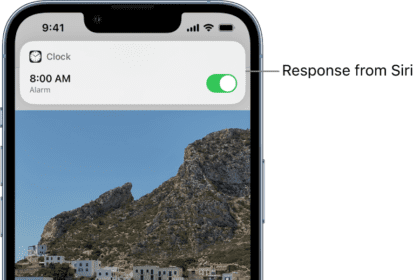
How to Cancel or Delete All of your Alarms at Once easily on iPhone or iPad
The easiest, and to my knowlege, only way to cancel or delete all of your…

Yes, you can print from an iPad, here’s how
You have several choices, even if your printer doesn't support AirPrint
How to Convert a Photo to PDF on iPhone or iPad (3 Ways)
There are multiple ways to convert a photo to PDF on iPhone or iPad
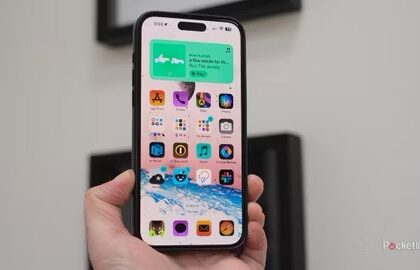
How to Invert Colors on iPhone and iPad
Inverting your iPhone's or iPad's screen colors is a handy accessibility tool -- here's how…

How to Search for a Word on a Webpage on iPad or iPhone
Learn how to use the keyword search feature for Safari on iPad or iPhone