How To
This section is dedicated to helping you use and make the most out of your Apple products. iPhone, iPad, Mac, Apple Watch—if it can make your life better, we’ll show you all the techniques you need to know to get the most out of what you have.


How to Set Up and Disable Touch ID and Face ID
Five wrong fingers locks out Touch ID, which is useful under duress.

How to Set Up Automatic Security Updates on Apple Devices
Apple patches most flaws before they are exploited, if you let it.

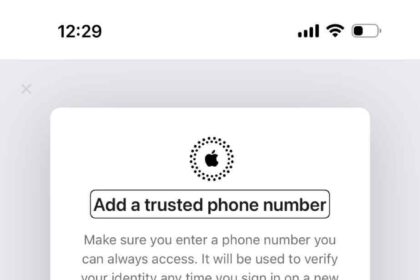
How to Change Apple Account Phone Number
Learn how to change your Apple Account number using the Apple Account site
How To Sign In To iCloud.com From Your iPhone Or iPad
Learn how to sign in to iCloud.com on your iPhone or iPad
How to Pay an Apple Card Balance with a Check (2026)
Learn the information you need in order to make a payment on your Apple Card…
How to Check the Status of your Apple Refund Claims (2026)
In this article, I explain how you can check your refund claim status.
How To Increase Your Apple Card Credit Limit (2026)
This article explains how you can increase your Apple Card credit limit:
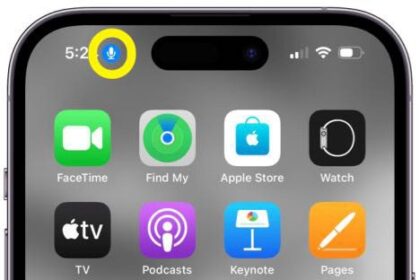
How to Get Rid of the Blue Microphone Icon at the Top of iPhone
This article explains how to get rid of the blue microphone icon at the top…


How to Control Music with AirPods (all models)
Pause, skip, and adjust volume with your AirPods, AirPods Pro and AirPods Max

How to Turn Off CarPlay on Your iPhone (3 Ways)
We show you how to disable Apple CarPlay in three ways

How To Clear Google & Apple Maps History On Your iPhone and iPad
You can easily delete Apple Maps and Google Maps history on your iPhone or iPad