How To
This section is dedicated to helping you use and make the most out of your Apple products. iPhone, iPad, Mac, Apple Watch—if it can make your life better, we’ll show you all the techniques you need to know to get the most out of what you have.


How to Set Up and Disable Touch ID and Face ID
Five wrong fingers locks out Touch ID, which is useful under duress.

How to Set Up Automatic Security Updates on Apple Devices
Apple patches most flaws before they are exploited, if you let it.


How to Add Apple Gift Card to iPhone, iPad or Mac to Redeem
Learn how to add your Apple Gift Card to your Apple Account balance on your…
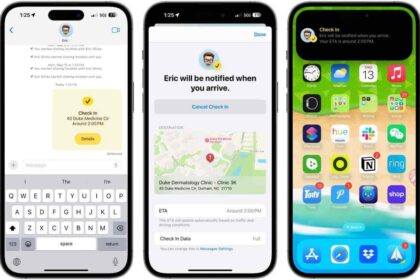
How to use Check In on your iPhone
Use Check In on iPhone to let your friends know you've arrived
How to Block YouTube Access on iPhone and iPad
We'll show you how to block YouTube on your iPhone or iPad without installing any…

How To Remove, Update Or Change Your Apple Payment method
Learn how to change, update or remove Apple ID payment method on your iPhone, iPad,…
How to Change the Default Browser on iPhone to Chrome or Back to Safari
You can set Chrome or any other third-party browser as the default on your iPhone…
How to Turn Off Pop-up Blocker in Safari on iPhone and iPad
Learn how you can allow pop-ups in Safari by turning off the pop-up blocker in…
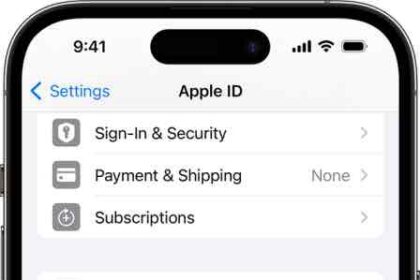
How To Remove A Device From Your Apple ID Device List
You can remove a device from your Apple ID device list. Your Apple ID device…
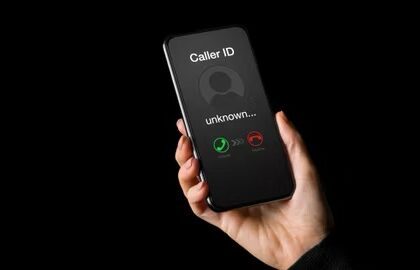
How To Hide Your Caller ID When Making Phone Calls On iPhone
Here's how to hide your phone number when making calls on iPhone
How to Disable Private Browsing in Safari on iPhone or iPad
If you want to remove the Private Browsing mode from your iPhone or iPad, you…
How to Trim the Middle of a Video on iPhone
Do you need to cut out the middle of a video on your iPhone and…