How To
This section is dedicated to helping you use and make the most out of your Apple products. iPhone, iPad, Mac, Apple Watch—if it can make your life better, we’ll show you all the techniques you need to know to get the most out of what you have.
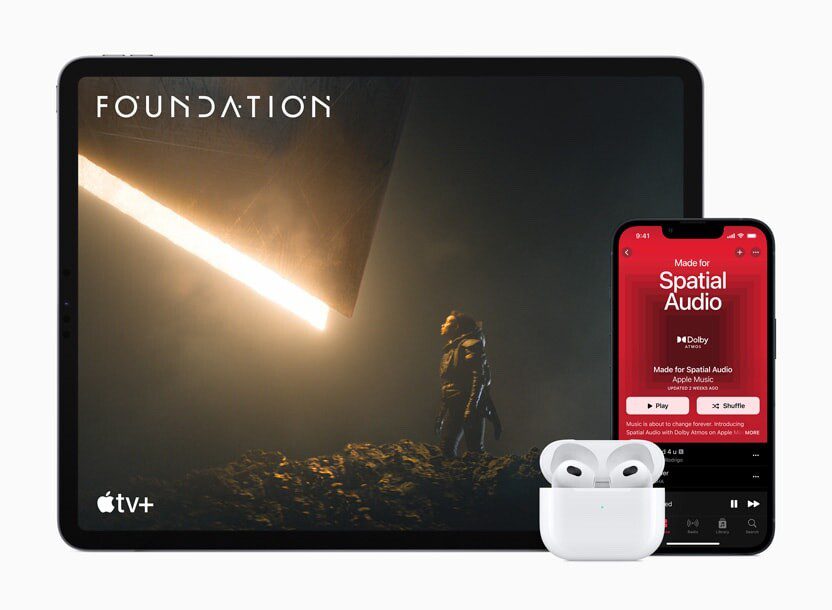


How to Set Up and Disable Touch ID and Face ID
Five wrong fingers locks out Touch ID, which is useful under duress.

How to Set Up Automatic Security Updates on Apple Devices
Apple patches most flaws before they are exploited, if you let it.


How to Set Apple Watch to Vibrate Only
Learn how to set your Apple Watch to vibrate only instead of ringing whenever it…
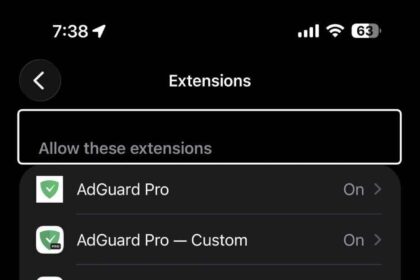
How to Block Ads on iPhone and iPad
We'll show you exactly how to remove all ads from iOS and iPadOS by using…
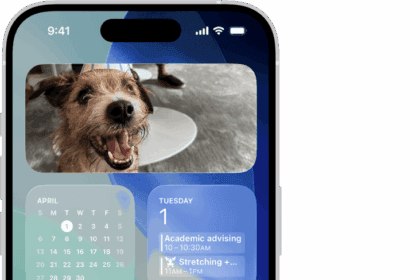
How to Customize iPhone Home Screen Layout
All the Ways You Can Tweak Your iPhone's Home Screen to Suit Your Needs
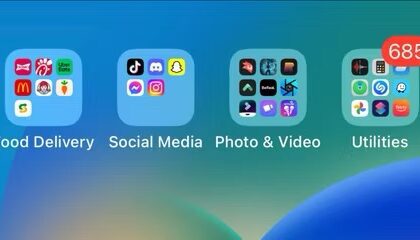
How to find and open hidden apps on iPhone
If you can’t find an app on your iPhone, then this article is for you.…
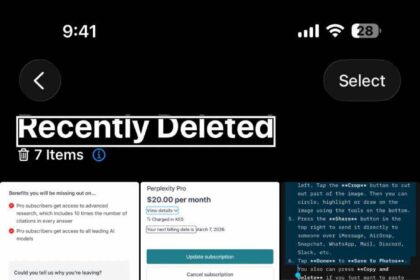
How to recover deleted photos from an iPhone
Even if you accidentally delete some (or all) of your photos from your iPhone, there…

How to Screen Mirror Your iPhone to a TV or Computer
This article provides instructions for how to mirror an iPhone screen to a TV or…

How to close iPhone apps (and why you shouldn’t)
5 reasons you shouldn’t close your open iPhone apps
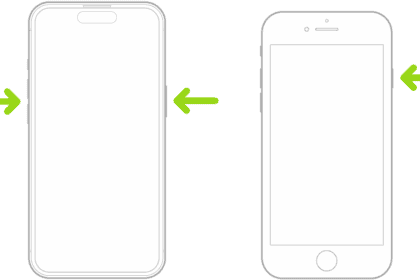
How to Hard Reset Your iPhone: Step-by-Step For All Models
Here’s how to hard reset any iPhone.
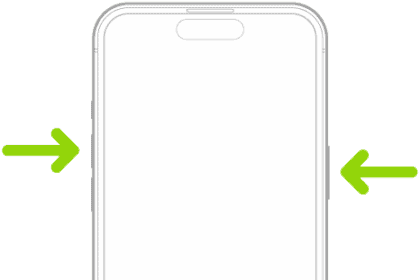
Screenshot a whole page (or an entire email) on iPhone
Quickly screenshot full page on iPhone