How To
This section is dedicated to helping you use and make the most out of your Apple products. iPhone, iPad, Mac, Apple Watch—if it can make your life better, we’ll show you all the techniques you need to know to get the most out of what you have.
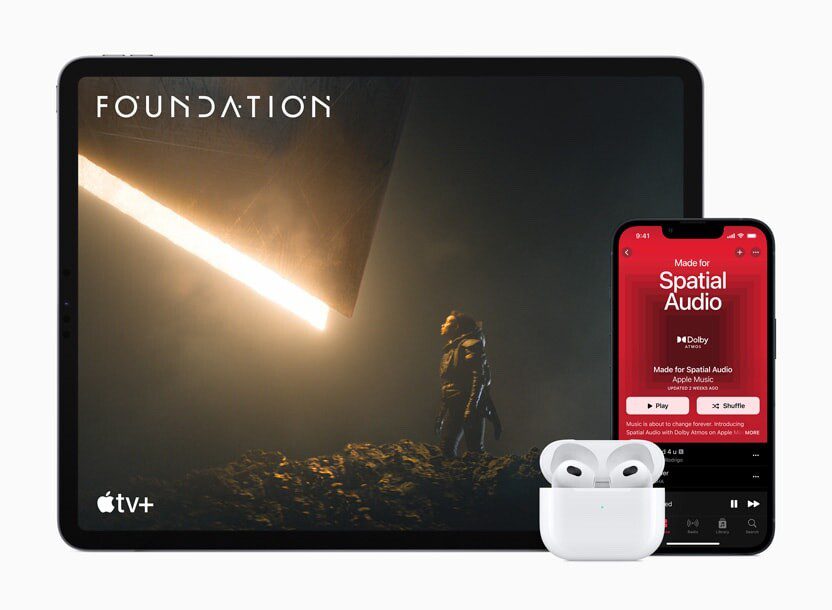


How to Set Up and Disable Touch ID and Face ID
Five wrong fingers locks out Touch ID, which is useful under duress.

How to Set Up Automatic Security Updates on Apple Devices
Apple patches most flaws before they are exploited, if you let it.

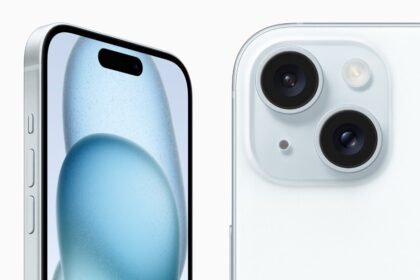
5 Quick Ways to Take a Screenshot on an iPhone 15
Taking a screenshot on your iPhone 15 is a vital function that you should know

Your Apple ID was Used to Sign in to iCloud via Web Browser, What Does it Mean?
Got an email saying "your Apple ID was used to sign in to iCloud via…

How To Check Your Apple Warranty Status (2026 updated)
Learn how to check your Apple product warranty status and eligibility to purchase an AppleCare…
How To Check Apple System Status (Apple Services, Stores, and iCloud)
This is how you can see if Apple Servers is down or having service issues
How To Block “No Caller ID” Calls on an iPhone in 2026
There are several ways that you can block No Caller ID calls on your iPhone,…
How to Use Apple Pay at ATMs in 2026
You can use Apple Pay at ATMs to withdraw money from your bank account without…

How to do Google reverse image search on iPhone
Learn how you can reverse image search on your iPhone. Use Google to search by…
How to Make Your iPhone Vibrate on Silent Mode
Learn how to get your iPhone to vibrate while in Silent Mode. You can choose…
Phone Icon Missing from iPhone, How to Bring it Back
Here is what to do if you can't find the Phone icon on your iPhone's…

How to Make a Genius Bar Appointment at an Apple Store (2026)
Learn how to make a Genius Bar appointment at an Apple Store to get the…